1
Troubleshooting
Problem
Recommended Action
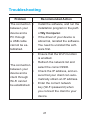
The connection •
Install the software, and run the
between your
device and a
installation program in the path
of My Computer.
PC through
a USB cable
•
cannot be established.
If the driver of your device is
abnormal, reinstall the software.
You need to uninstall the software first.
•
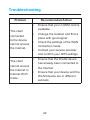
Ensure that the Wi-Fi function
•
is enabled.
Refresh the network list and
The connection
between your
•
device and a
client through
Wi-Fi cannot
•
be established.
select the correct SSID.
Check the IP address, and ensure that your client can automatically obtain an IP address.
Enter the correct network
key (Wi-Fi password) when
you connect the client to your
device.
21