1
Table of Contents
Chapter 1: Welcome to Perfect Resize
Chapter 2: Introduction
Using the Help System
Contacting onOne Software
Additional Help
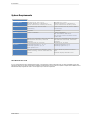
System Requirements
Installation
Licensing and Registration
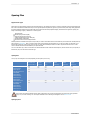
Opening Files
Smart Photos
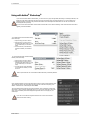
Module Selector
Using as Standalone
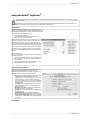
Using with Adobe Photoshop
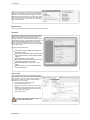
Using with Adobe Lightroom
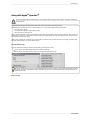
Using with Apple Aperture
Using with Other Applications
Printing
Managing Extras
Preferences
Chapter 3: Perfect Resize
Getting Started
How Big Can You Print
Understanding Resolution
When Should I Use Perfect Resize
Supported Color Modes
User Interface
Navigating the Preview
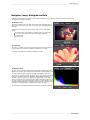
Navigator, Loupe, Histogram and Info
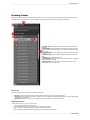
Browsing Presets
Using Perfect Resize
Crop Tool
Adjusting the Image Size
Using Document Size Presets
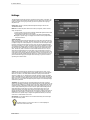
Settings
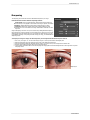
Sharpening
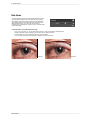
Film Grain
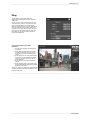
Tiling
Gallery Wrap
Presets
Menus
Keyboard Shortcuts
Chapter 4: Perfect Batch
1
2
3
4
5
6
7
8
9
11
12
13
14
15
17
19
20
21
24
27
28
29
30
31
32
33
34
35
37
39
40
42
43
44
45
46
47
48
50
54