1
Window Reference
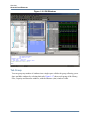
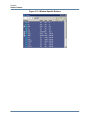
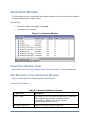
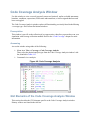
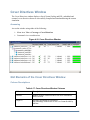
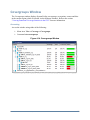
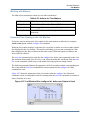
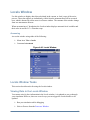
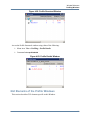
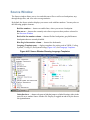
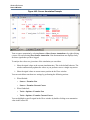
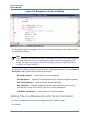
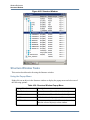
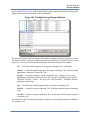
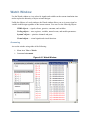
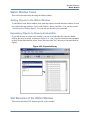
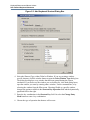
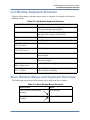
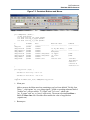
Locals Window
•
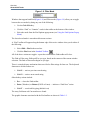
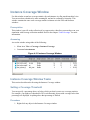
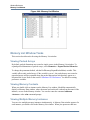
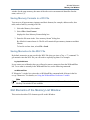
Select a Verilog function or task or VHDL function or procedure from the Call Stack
Window.
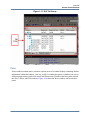
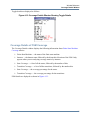
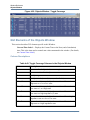
GUI Elements of the Locals Window
This section describes the GUI elements specific to the Locals Window.
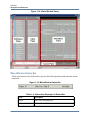
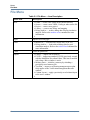
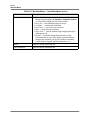
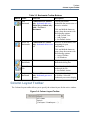
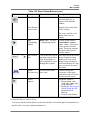
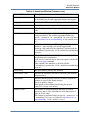
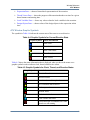
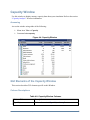
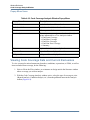
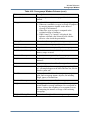
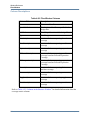
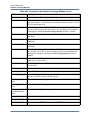
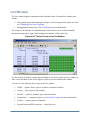
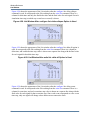
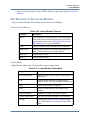
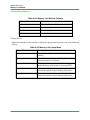
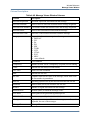
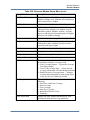
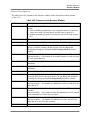
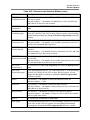
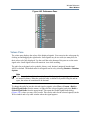
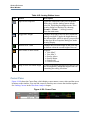
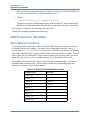
Column Descriptions
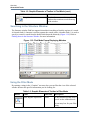
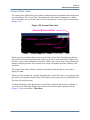
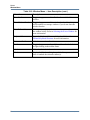
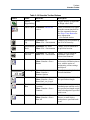
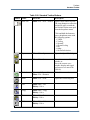
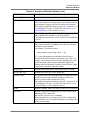
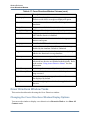
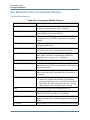
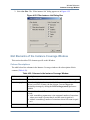
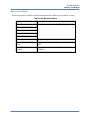
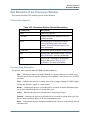
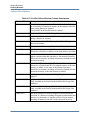
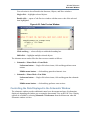
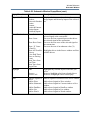
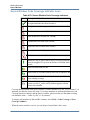
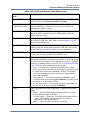
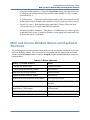
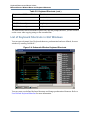
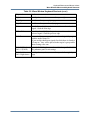
Table 4-36. Locals Window Columns
Column
Description
Name
lists the names of the immediately visible data objects.
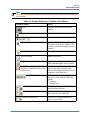
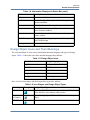
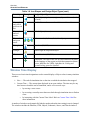
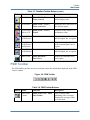
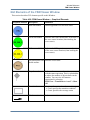
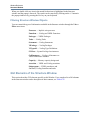
This column also includes design object icons for the
objects, refer to the section “Design Object Icons and
Their Meanings” for more information
Value
lists the current value(s) associated with each name
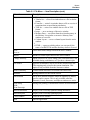
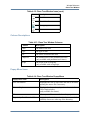
State Count
Not shown by default. This column, State Hits, and
State % are all specific to coverage analysis
State Hits
Not shown by default
State %
Not shown by default
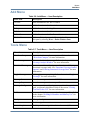
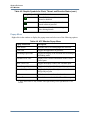
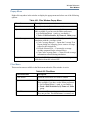
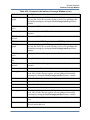
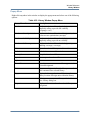
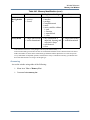
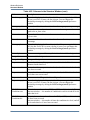
Popup Menu
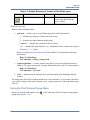
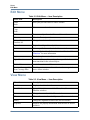
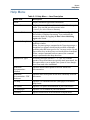
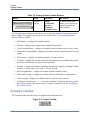
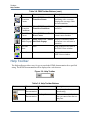
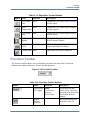
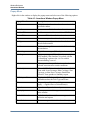
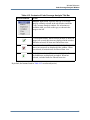
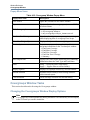
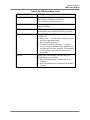
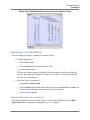
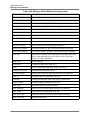
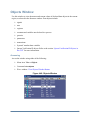
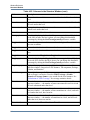
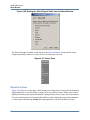
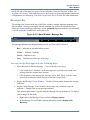
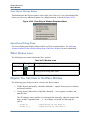
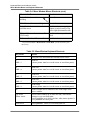
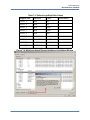
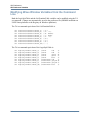
Right-click anywhere in the Locals window to open a popup menu.
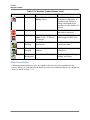
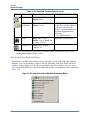
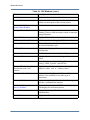
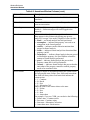
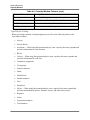
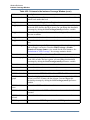
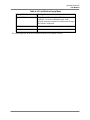
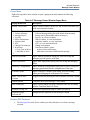
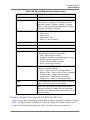
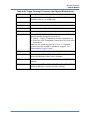
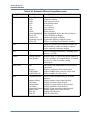
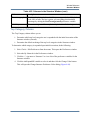
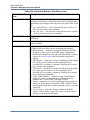
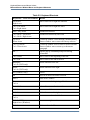
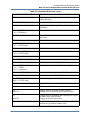
Table 4-37. Locals Window Popup Menu
Popup Menu Item
Description
View Declaration
Displays, in the Source window, the declaration
of the object
Add
Adds the selected object(s) to the specified
window (Wave, List, Log, Dataflow, Schematic)
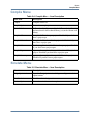
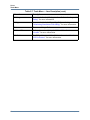
Copy
Copies selected item to clipboard
Find
Opens the Find toolbar at the bottom of the
window
Expand/Collapse
Expands or collapses data in the window
Global Signal Radix
Sets radix for selected signal(s) in all windows
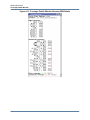
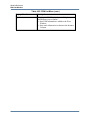
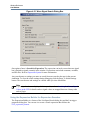
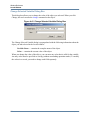
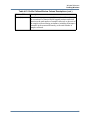
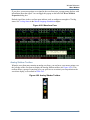
Change
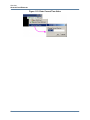
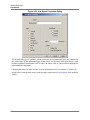
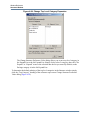
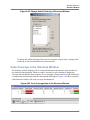
Displays the Change Selected Variable Dialog
Box, which allows you to alter the value of the
object
ModelSim SE GUI Reference Manual, v10.2c
171