1
Window Reference
List Window
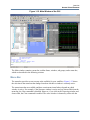
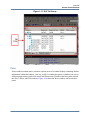
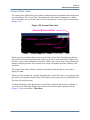
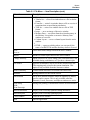
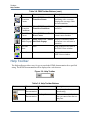
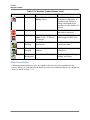
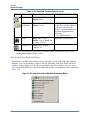
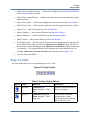
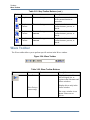
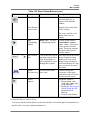
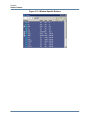
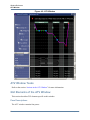
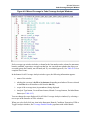
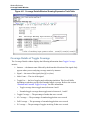
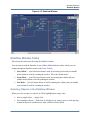
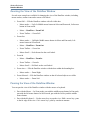
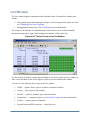
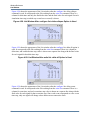
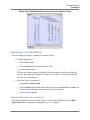
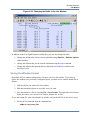
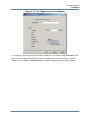
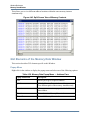
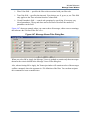
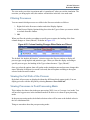
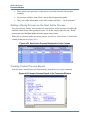
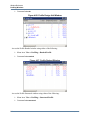
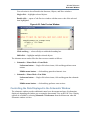
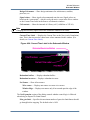
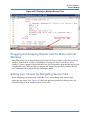
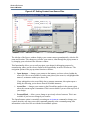
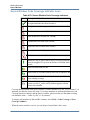
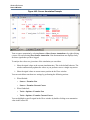
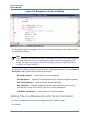
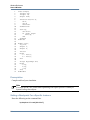
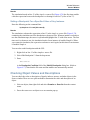
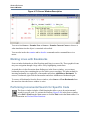
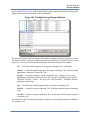
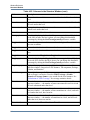
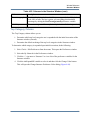
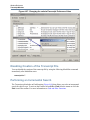
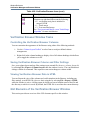
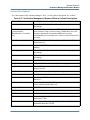
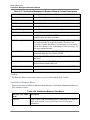
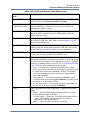
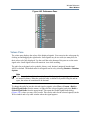
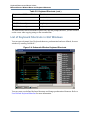
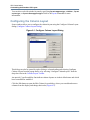
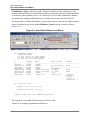
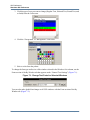
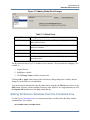
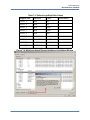
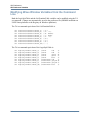
Figure 4-37. Line Triggering in the List Window
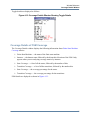
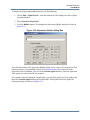
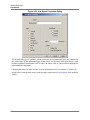
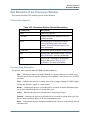
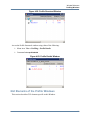
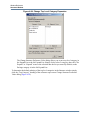
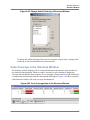
To modify new line triggering for the whole simulation, select Tools > List Preferences from
the List window menu bar (when the window is undocked), or use the configure command.
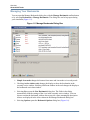
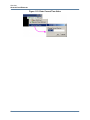
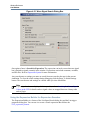
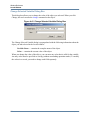
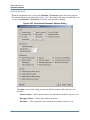
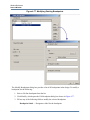
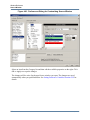
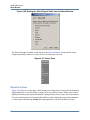
When you select Tools > List Preferences, the Modify Display Properties dialog appears:
ModelSim SE GUI Reference Manual, v10.2c
163