1
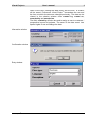
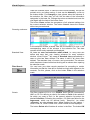
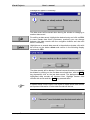
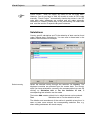
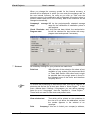
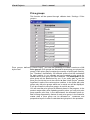
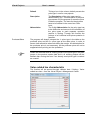
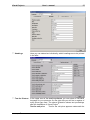
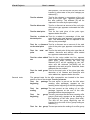
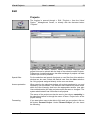
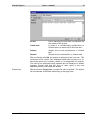
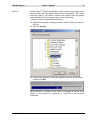
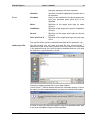
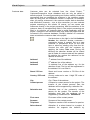
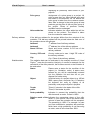
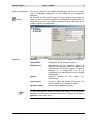
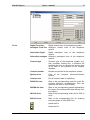
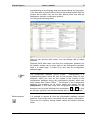
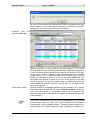
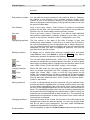
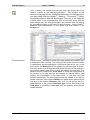
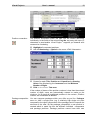
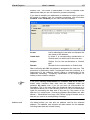
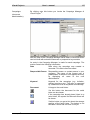
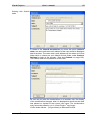
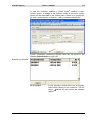
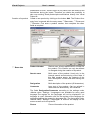
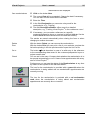
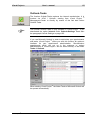
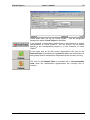
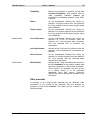
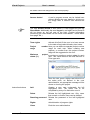
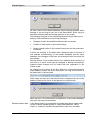
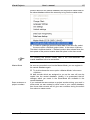
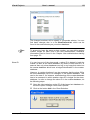
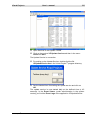
Visual Project ® User`s manual 192 The menu option CTI-settings is only available in connection with the CTI-module. Outlook-Settings Via the menu option <Options / Outlook Settings > you make your personal settings for your work with Microsoft Outlook. Here you can determine whether you want to use the internal resubmission of Visual Project ® or the folder Tasks of Microsoft Outlook for your appointment and task administration. (Please read the chapter Outlook-Tasks from page 150). The menu option Outlook-Settings is only at your disposal if you own the external interface of Visual Project ®. Tasks Outlook task folder which is used by Visual Project ® for resubmission entries. Internal If the option internal is ticked, the internal resubmission of Visual Project ® is used instead of the Outlook tasks. Contacts Current Outlook-folder for contact entries. Outlook-Category Will be entered under categories in Outlook– contact when exporting to Outlook automatically. (optional). Update Outlook contacts automatically If you activate this function, your Outlookcontacts will be updated automatically with the addresses from Visual Project ®. Database reorganization Due to a power failure or system crash, the data can be damaged, files destroyed, or are no longer readable. Visual Project ® Revision 2013.12