1
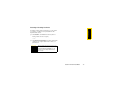
You can use the device to set up a temporary hotspot
to allow a maximum of five connections to your MiFi
2200 at one time.
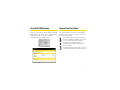
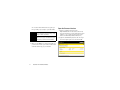
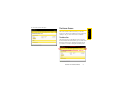
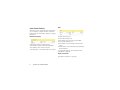
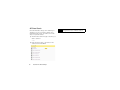
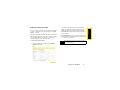
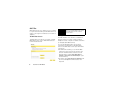
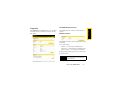
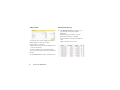
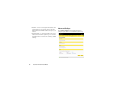
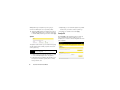
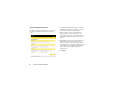
You will see a new (temporary) network name
(SSID) and network key. In the example shown
above, the temporary network name is “Sprint
MiFi2200 A41 Temp” and the temporary network
key is “12345.”
This profile generates a temporary network name and
network key that you can use to allow others to connect
to your device without your having to change the
security settings on your secure profile.
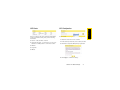
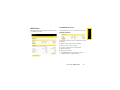
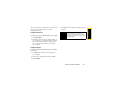
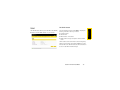
2. Click Apply. Members of your workgroup can now
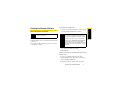
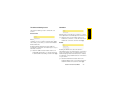
To set up the temporary hotspot
Tip
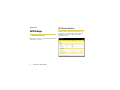
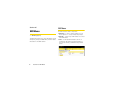
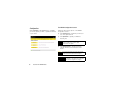
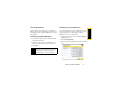
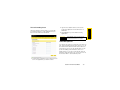
1. From the WiFi Profile screen, select Temporary
use the temporary network name and network key
to connect to your device.
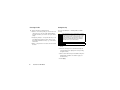
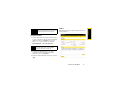
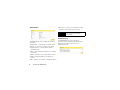
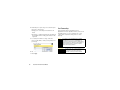
Click “Generate new values” to create a new network
name and network key.
Hotspot as the profile.
Section 2C. WiFi Menu
15
WiFi Menu
Setting Up a Temporary Hotspot