1
1. Configuring the MagicInfo-i Player
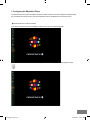
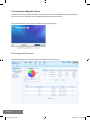
For all the devices (LFDs) where the MagicInfo-i Player is installed, the demo screen of the MagicInfo-i is displayed when
they are started. There are two ways to enter the configuration screen for the MagicInfo-i from the demo screen.
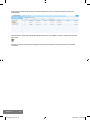
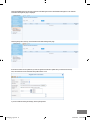
1 The first method is to use the menu toolbar.
If you click one of the four corners of the MagicInfo-i Player screen, the menu toolbar is displayed.
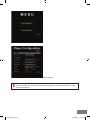
If you click the toothed wheel icon in the menu toolbar, you are moved to the Login screen of the MagicInfo-i Player.
3
settingqsg_eng.indd 3
03/09/2009 1:55:51 PM