1
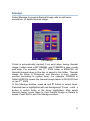
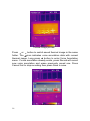
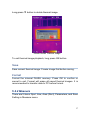
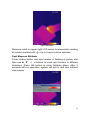
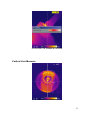
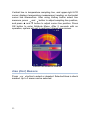
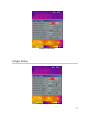
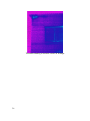
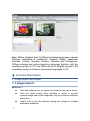
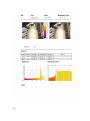
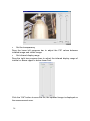
Vertical line is temperature sampling line, and upper-right LCD
corner displays temperature measurement reading on horizontal
cursor line intersection. After using Hotkey button select line
measure, press▲ and▼ button to adjust sampling line position,
and press ▲ and ▼ button to adjust cursor line position. Press
OK button to enter Attribute Menu. After 2 seconds with no
operation, system will exit to real time Infrared view screen.
Vertical Line Measure Attribute
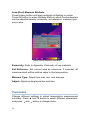
Area (Rect) Measure
▲ or
▼ button to select or deselect. Selected Area is check
Press
marked. Up to 3 areas can be selected.
22