1
26
GSx
plus
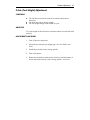
KNIFE HOLDER INSTALLATION
Follow these instructions to install the knife holder.
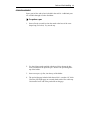
To install a knife holder
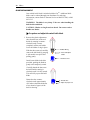
1. Load vinyl or other material.
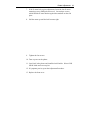
2. Select the knife holder that matches the knife mode you want to use.
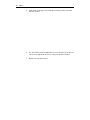
3. A plastic lift washer is used to reduce friction between the tool
holder and the lift fork of the carriage spindle during operation.
There should be one installed on the knife holder. If not, slip a lift
washer from the Tool Kit over the barrel and slide the washer to the
top of the holder.
CAUTION: Carefully install the knife holder, taking care not to
strike the tip of the blade against the bore of the carriage
spindle.
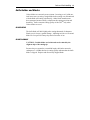
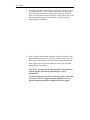
4. A slot, or keyway in the barrel of the knife holder ensures proper
orientation. If necessary, rotate the knife holder until it drops
completely into the carriage spindle.
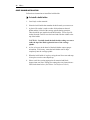
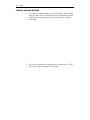
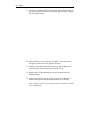
5. When the knife holder is in place, swing the tool force arm and snap
it into place over the cone-shaped cap.
6. Select a tool force setting appropriate for material and blade.
Approximate tool force settings for cutting other vinyl materials are
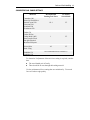
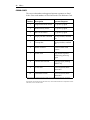
listed in the chart below. (See Plotter User Reference Card.)