1
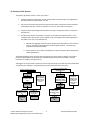
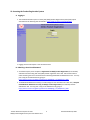
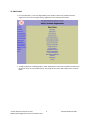
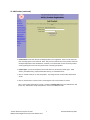
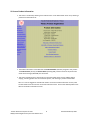
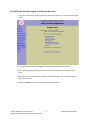
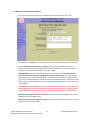
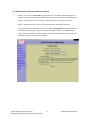
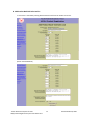
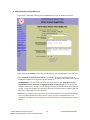
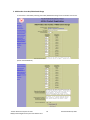
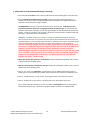
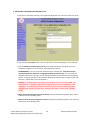
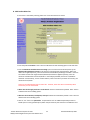
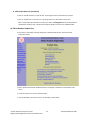
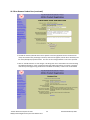
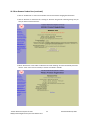
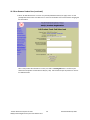
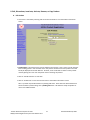
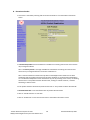
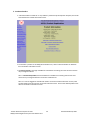
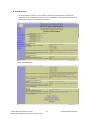
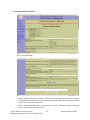
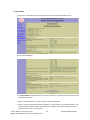
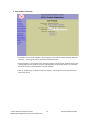
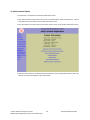
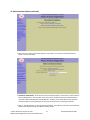
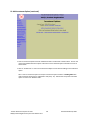
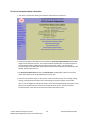
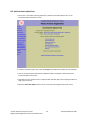
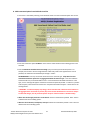
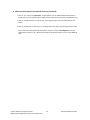
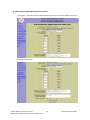
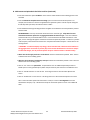
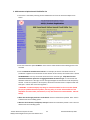
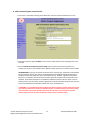
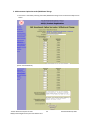
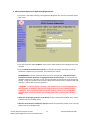
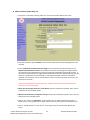
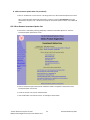
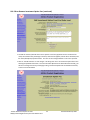
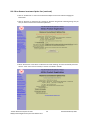
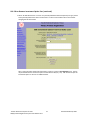
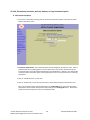
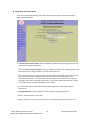
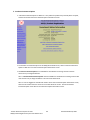
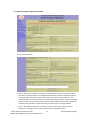
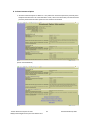
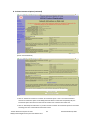
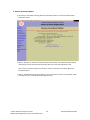
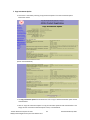
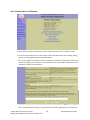
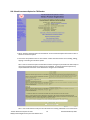
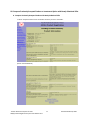
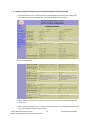
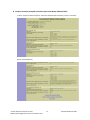
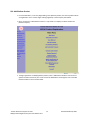
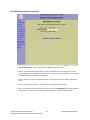
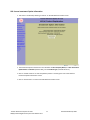
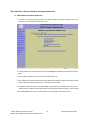
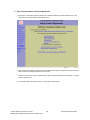
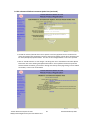
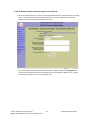
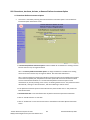
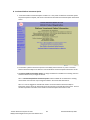
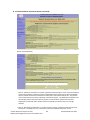
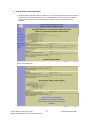
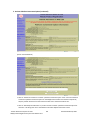
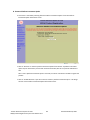
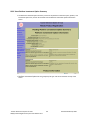
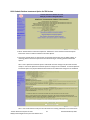
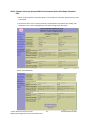
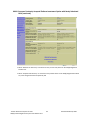
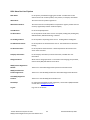
VIII. Add Product Fees (Also applies to Platform Product Fees) • This screen is accessed by selecting “Add, Edit, or Remove Product Fees” on the Product Information screen. • To add a product fee, select the fee type to be added and complete all required fields. • Once a product fee has been added and saved it will appear at the bottom of the Product Fees screen. • All product fees are required to be in compliance with TRS RULE §53.3 (see Company Guidance on page 2 of this manual). • Select the Product name to return to the Product Information screen. Teacher Retirement System of Texas Revised October 30, 2009 9
403(b) Product Registration System User Manual v3.0