1
Scheduled E/Ds
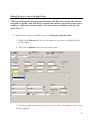
Setting up a new Recurring Earning
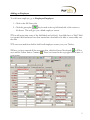
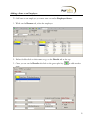
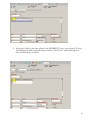
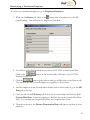
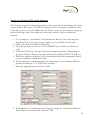
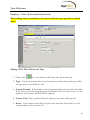
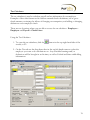
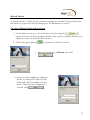
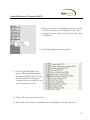
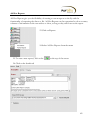
To set up a new recurring earning start in Employee – Scheduled E/Ds.
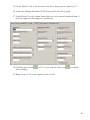
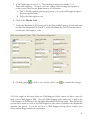
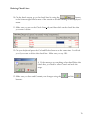
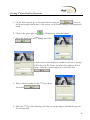
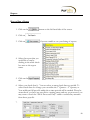
1. From either the Browse Tab or by using the employee drop down boxes at the top,
select the employee you are working with.
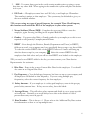
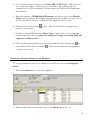
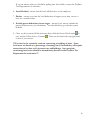
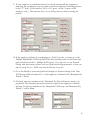
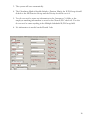
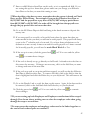
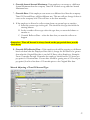
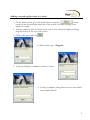
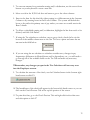
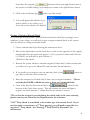
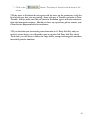
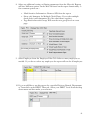
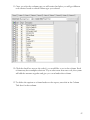
2. Click on the Browse Scheduled E/Ds tab and verify that the code you are using is
not already set up on that employee.
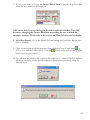
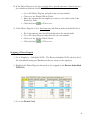
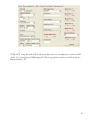
**If the code is already set up, go directly to step #11. Do not set up the same
code twice as this will result in an error and possible loss of newly added data
that has not yet been committed.
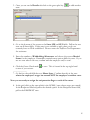
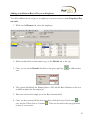
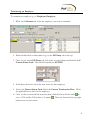
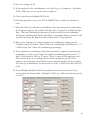
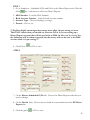
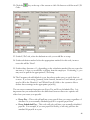
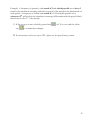
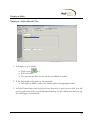
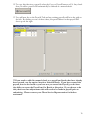
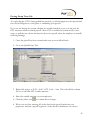
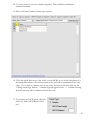
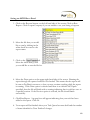
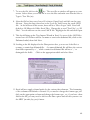
3. Click the
key or Alt-Insert to add the new E/D Code.
28