1
APPLICATION CONFIGURATION STEPS
3.2 Parameter settings and Drive Programming application
After finishing the autotuning process, follow next steps in order to upload inverter parameter settings with CX-Drive tool, download the lifting
crane application case software and save the project:
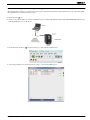
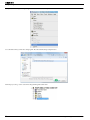
1. Open CX-Drive.
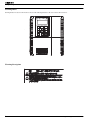
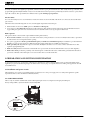
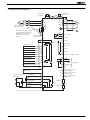
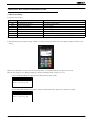
2. Connect your computer USB port to the RJ-45 3G3RX inverter port with 3G3AX-PCACN2 cable or USB-CONVERTERCABLE. Remove the
LCD Digital Operator to access RJ-45 port:
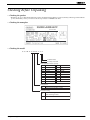
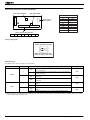
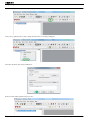
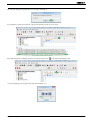
3. Use the CX-Drive autodetect
function in order to go online with the 3G3RX inverter:
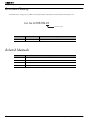
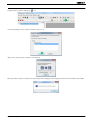
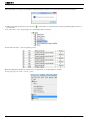
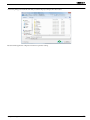
4. A new dialog will appear for autodetect function, trying to connect with 3G3RX inverter:
Lifting Crane Application Software
19