1
PACE Suite 3.4.2 - User Manual
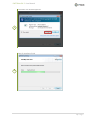
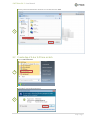
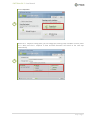
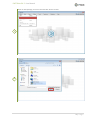
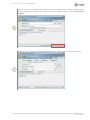
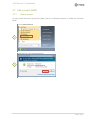
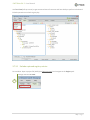
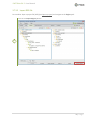
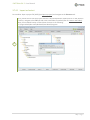
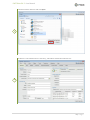
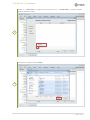
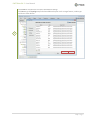
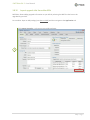
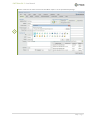
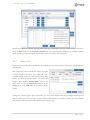
Click the Save button to save the document. The document will be automatically opened in a default
viewer, and Docu Generator will be closed.
3.10.7
Use Document Templates
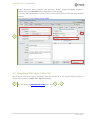
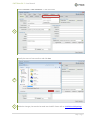
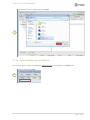
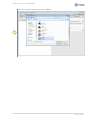
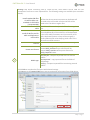
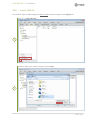
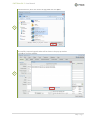
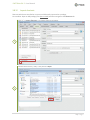
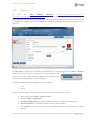
Docu Generator supports Microsoft Word (DOT/DOTX) and HTML/MHT templates to be used for document
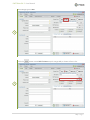
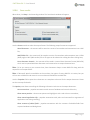
creation. To use a template, specify its file path in the “Save Results” window (see previous step).
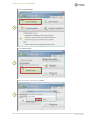
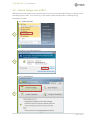
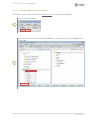
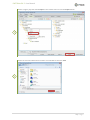
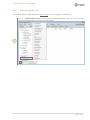
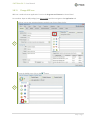
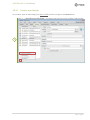
In order to mark a position where screenshots and comments are to be placed to, add the following textual
placeholder into a template:
[SCR]
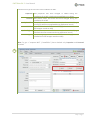
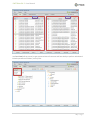
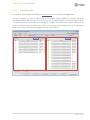
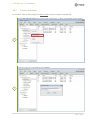
You can specify placeholder [SCR] in the existing table in a template. In this case the placeholder points to a
cell where screenshots should start, while a column to the right of it will be populated with comments.
If the placeholder is located outside a table, then a new table for screenshots and comments will be
created. A Docu Generator-default table style will be used.
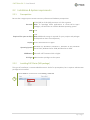
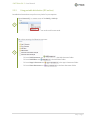
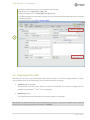
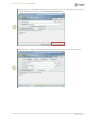
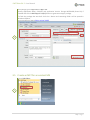
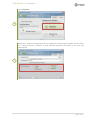
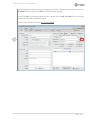
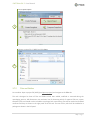
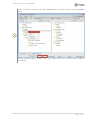
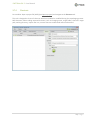
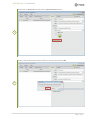
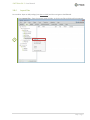
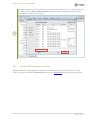
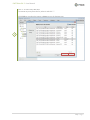
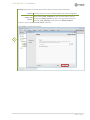
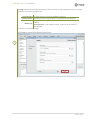
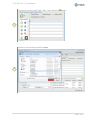
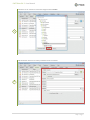
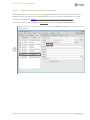
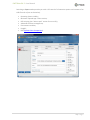
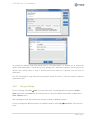
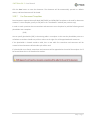
If a placeholder is not found, screenshots and comments will be appended to the end of the template. You’ll
be warned about this in the Save Results window:
87 | P a g e