1
Chapter 12 — PIM Analyzer Programming Commands
12-8
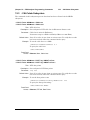
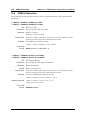
:SENSe Subsystem
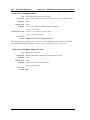
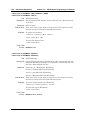
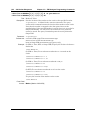
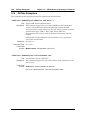
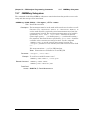
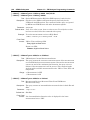
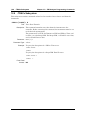
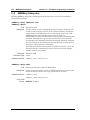
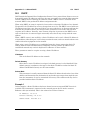
[:SENSe]:PIManalyzer:MODe PIM|PIMSwp|DTP
[:SENSe]:PIManalyzer:MODe?
Title: PIM Analyzer Mode, Set or Request
Description: Puts the system into either PIM vs. Time (PIM), Swept PIM (PIMSwp),
or Distance-to-PIM (DTP) measurement mode. The query reports the
current system mode.
Parameter: PIM|PIMSwp|DTP
Query Response: PIM (PIM vs. Time)
PIMSwp (Swept PIM)
DTP (Distance-to-PIM)
Default Value: None. If no value is sent, then no action occurs. To verify that a value
has been received, follow the command with a query.
Example: To set the PIM Analyzer mode to measure Distance-to-PIM:
:SENSe:PIManalyzer:MODe DTP
To query the state of the PIM Analyzer system:
:SENS:PIM:MOD?
Front Panel
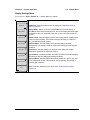
Access: Measurements, PIM|Distance-to-PIM|Swept PIM
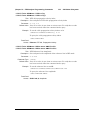
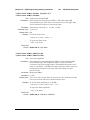
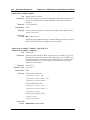
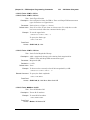
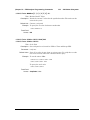
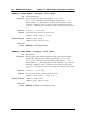
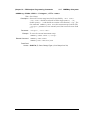
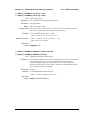
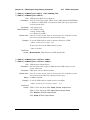
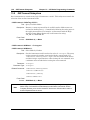
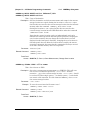
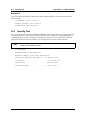
[:SENSe]:PIManalyzer:OUTPut:POWer
[:SENSe]:PIManalyzer:OUTPut:POWer?
Title: PIM Analyzer Output Power
Description: Sets the deliverable output (in dBm) from the PIM Analyzer to the
system under test.
Parameter: dBm input with 0.1 dBm resolution
Default Value: None. If no value is sent, then no action occurs. To verify that a value
has been received, follow the command with a query.
Range: 25 dBm to 46 dBm
Example: To set the PIM Analyzer output power to 43.5 dBm:
:SENSe:PIManalyzer:OUTPut:POWer
43.5
Front Panel
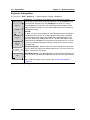
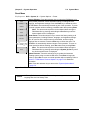
Access: PIM vs. Time and Swept PIM: Setup, PIM Aid, Output Power
PIM vs. Time and Swept PIM: Freq, PIM Aid, Output Power
DTP: Distance, DTP Aid, Output Power
DTP: Setup, DTP Aid, Output Power
MW82119A UG
PN: 10580-00285 Rev. H
12-29