1
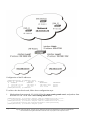
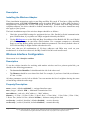
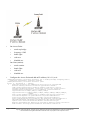
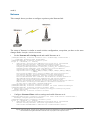
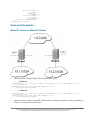
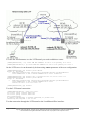
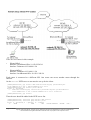
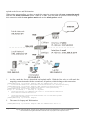
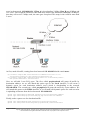
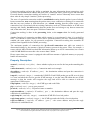
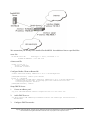
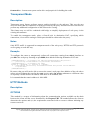
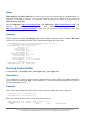
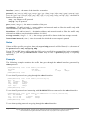
reside on different devices interconnected by a packet-switched network. With L2TP, a user has a
Layer 2 connection to an access concentrator - LAC (e.g., modem bank, ADSL DSLAM, etc.), and
the concentrator then tunnels individual PPP frames to the Network Access Server - NAS. This
allows the actual processing of PPP packets to be divorced from the termination of the Layer 2
circuit. From the user's perspective, there is no functional difference between having the L2 circuit
terminate in a NAS directly or using L2TP.
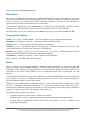
It may also be useful to use L2TP just as any other tunneling protocol with or without encryption.
The L2TP standard says that the most secure way to encrypt data is using L2TP over IPsec (Note
that it is default mode for Microsoft L2TP client) as all L2TP control and data packets for a
particular tunnel appear as homogeneous UDP/IP data packets to the IPsec system.
L2TP includes PPP authentication and accounting for each L2TP connection. Full authentication
and accounting of each connection may be done through a RADIUS client or locally.
MPPE 40bit RC4 and MPPE 128bit RC4 encryption are supported.
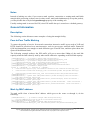
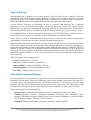
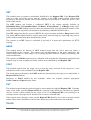
L2TP traffic uses UDP protocol for both control and data packets. UDP port 1701 is used only for
link establishment, further traffic is using any available UDP port (which may or may not be 1701).
This means that L2TP can be used with most firewalls and routers (even with NAT) by enabling
UDP traffic to be routed through the firewall or router.
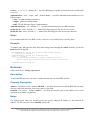
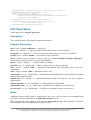
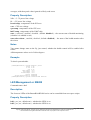
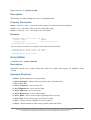
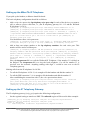
L2TP Client Setup
Home menu level: /interface l2tp-client
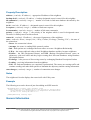
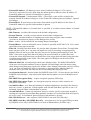
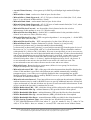
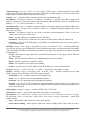
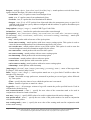
Property Description
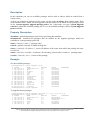
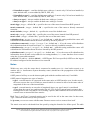
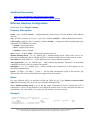
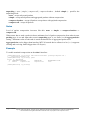
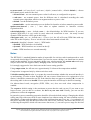
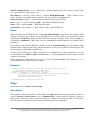
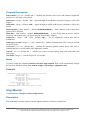
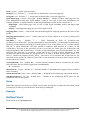
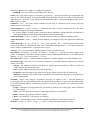
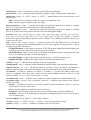
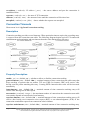
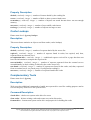
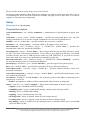
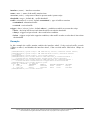
name ( name ; default: l2tp-outN ) - interface name for reference
mtu ( integer ; default: 1460 ) - Maximum Transmission Unit. The optimal value is the MTU of the
interface the tunnel is working over decreased by 40 (so, for 1500-byte Ethernet link, set the MTU
to 1460 to avoid fragmentation of packets)
mru ( integer ; default: 1460 ) - Maximum Receive Unit. The optimal value is the MRU of the
interface the tunnel is working over decreased by 40 (so, for 1500-byte Ethernet link, set the MRU
to 1460 to avoid fragmentation of packets)
connect-to ( IP address ) - The IP address of the L2TP server to connect to
user ( text ) - user name to use when logging on to the remote server
password ( text ; default: "" ) - user password to use when logging to the remote server
profile ( name ; default: default ) - profile to use when connecting to the remote server
allow ( multiple choice: mschap2, mschap1, chap, pap ; default: mschap2, mschap1, chap, pap ) the protocol to allow the client to use for authentication
add-default-route ( yes | no ; default: no ) - whether to use the server which this client is connected
to as its default router (gateway)
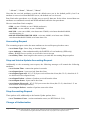
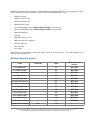
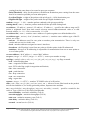
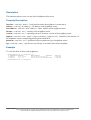
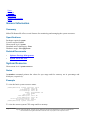
Example
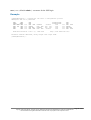
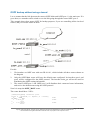
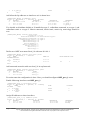
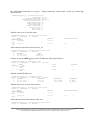
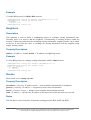
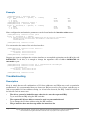
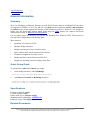
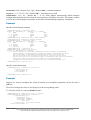
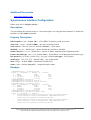
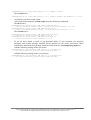
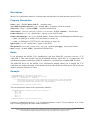
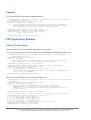
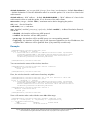
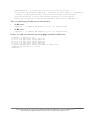
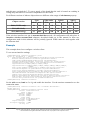
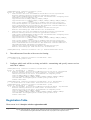
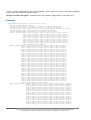
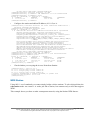
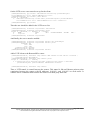
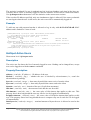
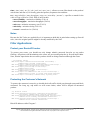
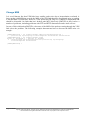
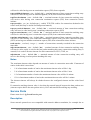
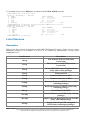
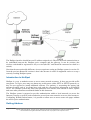
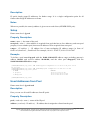
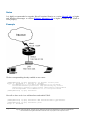
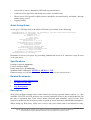
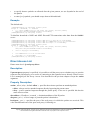
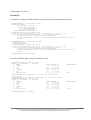
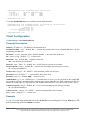
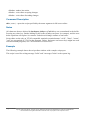
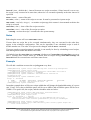
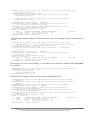
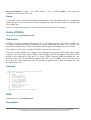
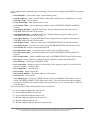
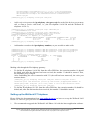
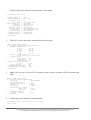
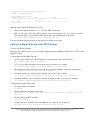
To set up L2TP client named test2 using username john with password john to connect to the
10.1.1.12 L2TP server and use it as the default gateway:
Page 325 of 695
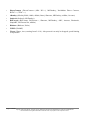
Copyright 1999-2005, MikroTik. All rights reserved. Mikrotik, RouterOS and RouterBOARD are trademarks of Mikrotikls SIA.
Other trademarks and registred trademarks mentioned herein are properties of their respective owners.