1
D3PLOT
User manual Version 10.0, June 2011
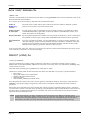
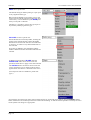
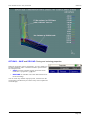
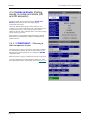
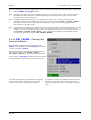
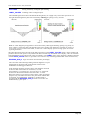
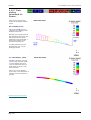
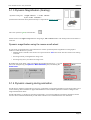
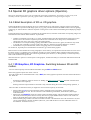
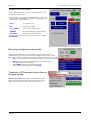
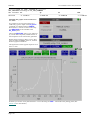
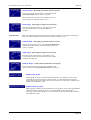
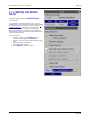
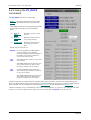
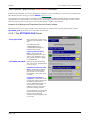
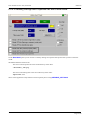
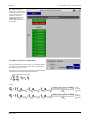
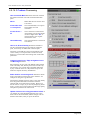
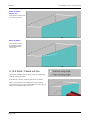
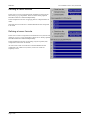
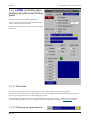
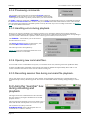
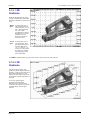
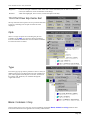
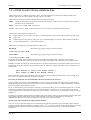
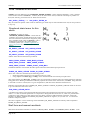
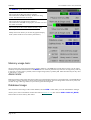
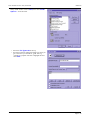
Delete and Restart: Deleting points.
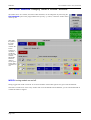
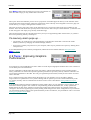
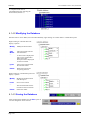
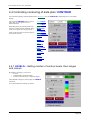
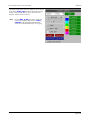
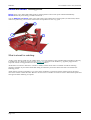
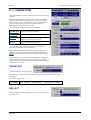
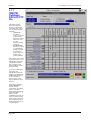
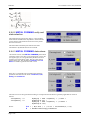
Delete allows you to delete individual points by selecting them as above. Each point is deleted immediately.
Restart deletes all points letting you make a fresh start.
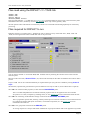
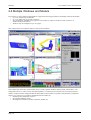
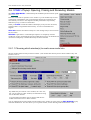
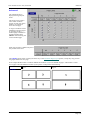
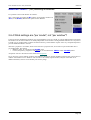
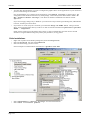
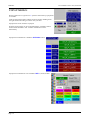
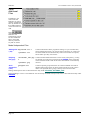
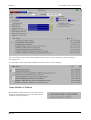
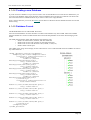
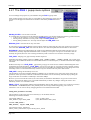
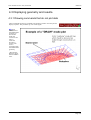
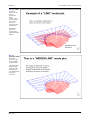
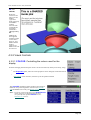
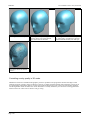
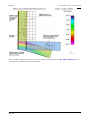
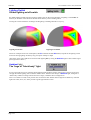
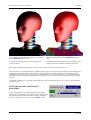
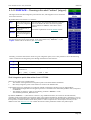
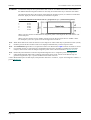
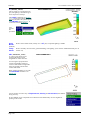
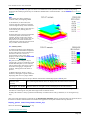
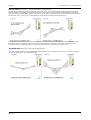
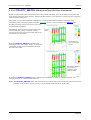
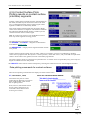
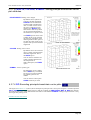
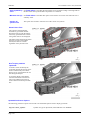
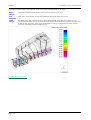
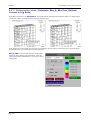
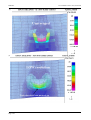
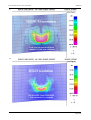
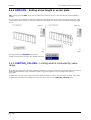
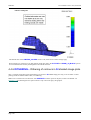
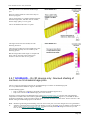
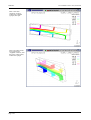
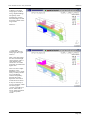
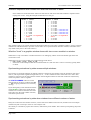
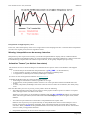
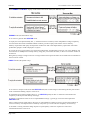
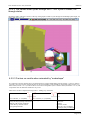
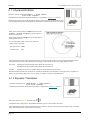
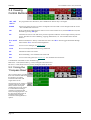
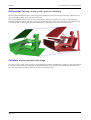
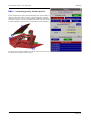
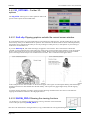
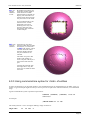
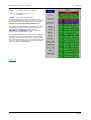
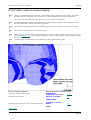
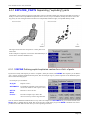
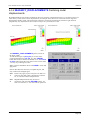
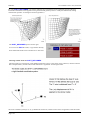
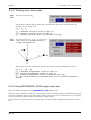
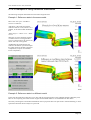
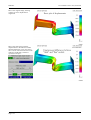
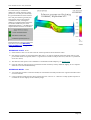
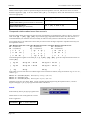
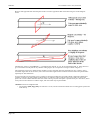
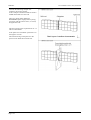
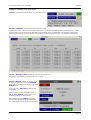
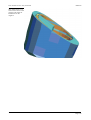
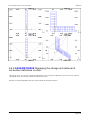
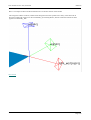
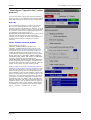
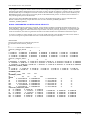
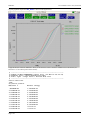
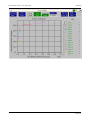
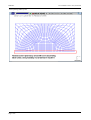
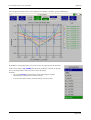
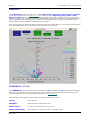
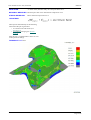
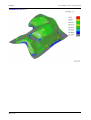
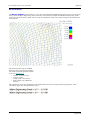
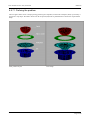
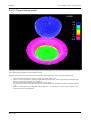
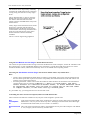
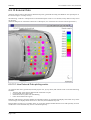
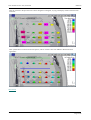
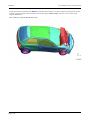
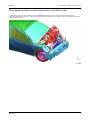
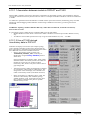
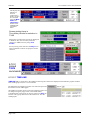
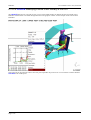
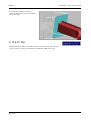
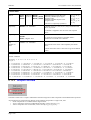
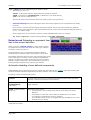
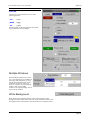
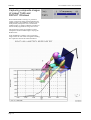
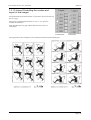
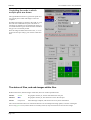
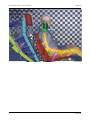
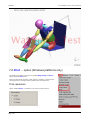
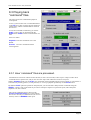
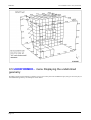
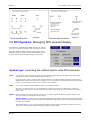
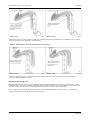
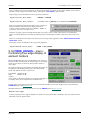
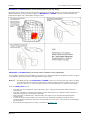
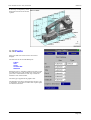
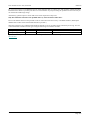
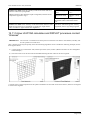
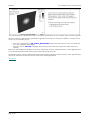
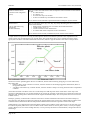
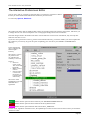
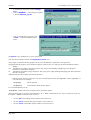
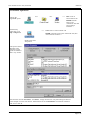
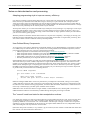
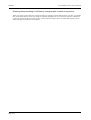
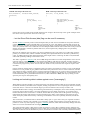
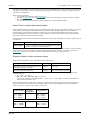
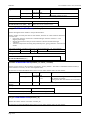
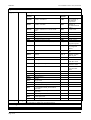
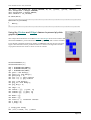
You can Add, Edit and Delete points in any order. Here is the example above with 6 points (circled in blue) chosen
rather more judiciously, and it can be seen that the correspondence is now very good.
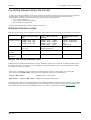
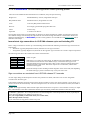
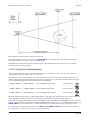
What is stored for matching.
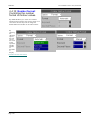
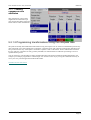
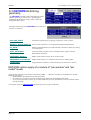
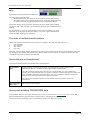
<Node : point> data is stored on a per-window basis, so it is not possible to apply matching data in Window #1 directly
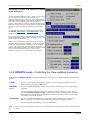
to windows #2, etc. However you can use the "Export view" function on the window’s [--] options popup menu to
export the current viewing parameters to all other active windows.
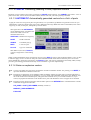
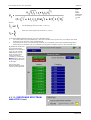
"Node" data is stored as a reference to a node in a model, and the current state’s coordinate is used for matching
purposes. Therefore if you need to match data during an animation you need to choose the state to be used for the
matching process.
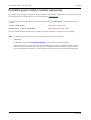
"Point" data is stored as a parametric (x,y) screen space coordinate, so points will remain valid so long as the aspect
ratio of the window remains the same. However in most cases if a window is resized it is best to delete all the points and
start again if further matching is required.
Page 5.12