1
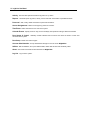
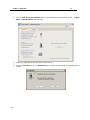
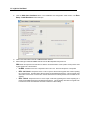
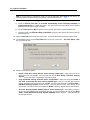
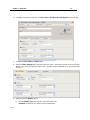
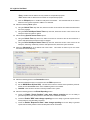
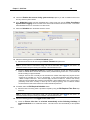
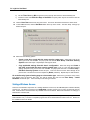
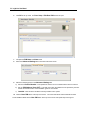
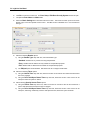
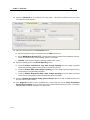
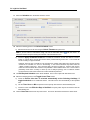
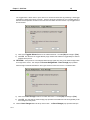
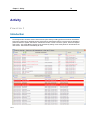
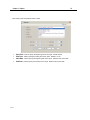
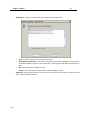
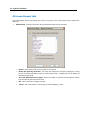
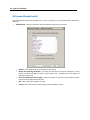
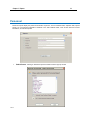
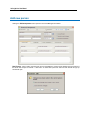
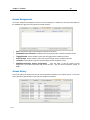
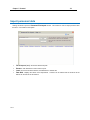
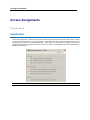
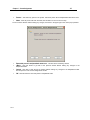
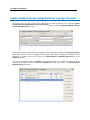
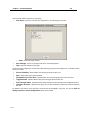
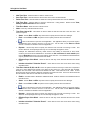
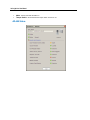
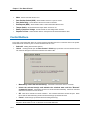
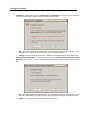
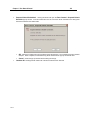
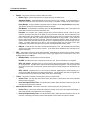
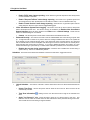
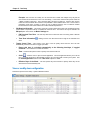
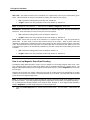
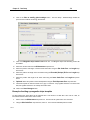
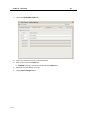
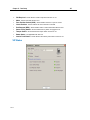
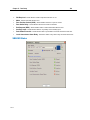
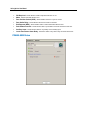
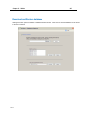
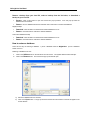
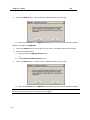
Chapter 6 Access Assignments 139 There are three buttons along the top of the page. View Group - Opens the Group Access Assignments - View Group pop-up window. Close - Closes the pop-up window. Save Changes - Saves any changes made to the access assignments. Help - Opens the Help file for this page. The Group Access Assignments window has a table showing a group's access assignments. The table is broken up into six columns. Access Permitted - Shows whether the selected group has access or not. Door - Shows which door is being specified. Permitted Access Time Zone - Specifies which time zones this group has access to this door. Toggle Allowed - Specifies whether this group has toggle allowed at this door. Pass-Through Status - Specifies whether this group has the Pass-Through feature enabled at this door. Lockdown Function - Specifies if this group can use their credential to enable the Lockdown feature at this door. For details on the buttons on the right of the screen (Permit All, Edit Details, Copy from, etc.) see the View or change a person's access assignments section of this chapter. v2.1.1