1
7.4 Intel Cluster Checker
81
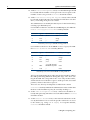
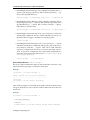
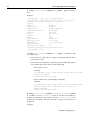
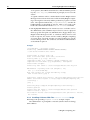
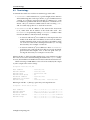
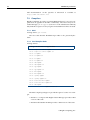
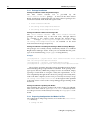
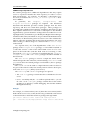
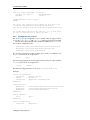
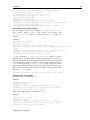
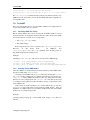
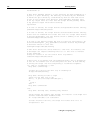
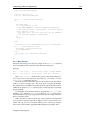
Similarly, an old version of the regular node package list can be backed
up, and a current one generated, for node001 for example, by running
the following on the head node:
[root@mycluster ~]# cp -p /etc/intel/clck/packagelist.node /etc/intel/c\
lck/packagelist.node.old
[root@mycluster ~]# ssh node001 rpm -qa | sort > /etc/intel/clck/packag\
elist.node
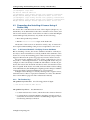
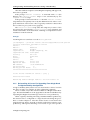
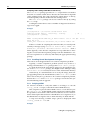
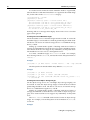
7.4.3 Running Intel Cluster Checker
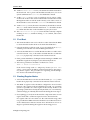
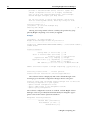
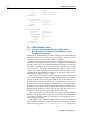
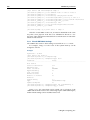
The cmsupport account, which is part of a default installation, is used to
perform the cluster check run.
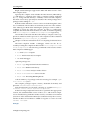
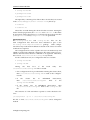
The following commands start the cluster checker:
[root@mycluster ~]# su [cmsupport@mycluster ~]$
[cmsupport@mycluster ~]$
[cmsupport@mycluster ~]$
cmsupport
module initadd intel-cluster-runtime
module load intel-cluster-runtime
cluster-check --certification
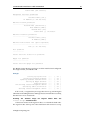
The last line could instead be:
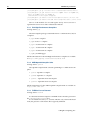
[cmsupport@mycluster ~]$ cluster-check --certification ~/custom_con\
fig.xml
if a configuration file config-ib.xml from the default location has been
copied over to the cmsupport account directory, and then modified for
use by the cluster checker.
Handling Test Failures
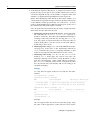
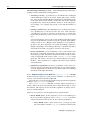
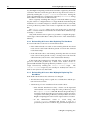
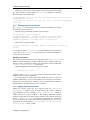
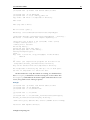
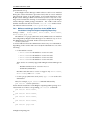
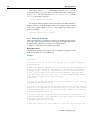
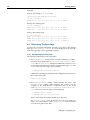
The cluster checker produces several output files, with .xml, .out, .debug
suffixes, which include time stamps in the file names. If tests fail, the output files can be consulted for details. The output files can be found in the
˜/intel-cluster-ready/logs directory.
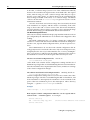
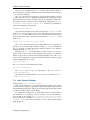
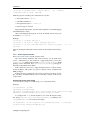
When debugging and re-running tests, the option
--include_only <test>
can be passed to cluster-check to execute only the test named “<test>”
(and the tests on which it depends).
In a heterogeneous cluster the cluster check run fails as a result of
hardware differences. To resolve the failures, it is necessary to create multiple groups of homogeneous hardware. For more information, the Intel
Cluster Checker documentation can be consulted.
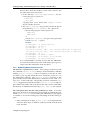
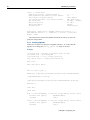
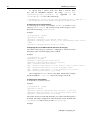
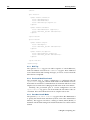
7.4.4 Applying For The Certificate
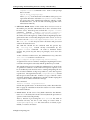
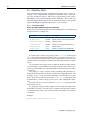
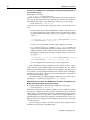
When the cluster check run has reported that the “Check has
Succeeded”, a certificate may be requested for the cluster. Requesting a certificate involves creating a “Bill of Materials”, which includes software as well as hardware. This is then submitted together
with the output files from Intel Cluster Checker runs and the packages
lists to cluster@intel.com. The Intel Cluster Ready site contains interactive submissions forms that make the application process as easy
as possible. For more details, http://software.intel.com/en-us/
cluster-ready/ can be visited.
© Bright Computing, Inc.