1
Wireless Broadband Router User Manual
Wireless Status
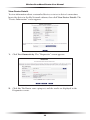
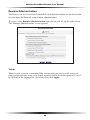
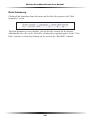
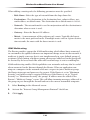
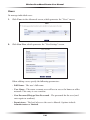
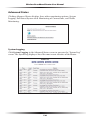
Clicking on the “Wireless Settings” icon in the Home screen generates the “Wireless
Status” screen, which displays the current status of the wireless connection.
Radio Enabled
Displays whether the Router’s wireless radio is active.
SSID
The SSID (Service Set Identifier) is the network name shared among all devices
on a particular wireless network. The SSID must be identical for all devices on the
wireless network. It is case-sensitive and must not exceed 32 characters. Make sure
the SSID is the same for all devices to be connected to the wireless network. The
Router comes from the factory with an SSID already entered and displayed here.
The default SSID can also be found on a sticker on the bottom of the Router.
Channel
Displays the channel to which the wireless connection is currently set. All devices
on the wireless network must be on the same channel to function correctly.
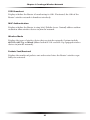
Security Enabled
Displays what kind of security is active on the wireless connection, and the security
encryption key.
26