1
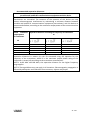
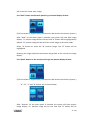
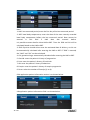
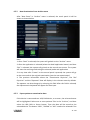
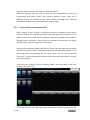
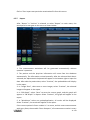
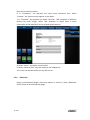
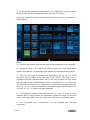
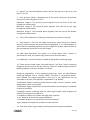
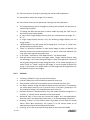
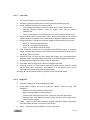
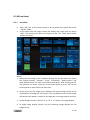
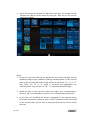
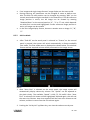
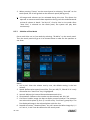
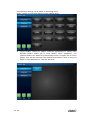
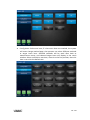
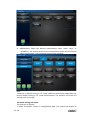
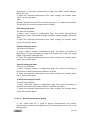
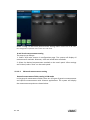
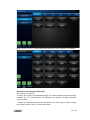
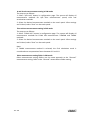
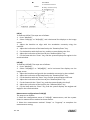
display. 6. To position third caliper, move the trackball and press “Enter”. The system will fix the third point and the fourth caliper and quadrilateral display 7. To position fourth caliper, move the trackball and press “Enter”. The system will fix the fourth point and the fourth caliper and pentagon display. 8. The rest can be done in the same manner, and any polygon can be used to measure area. After measurement is complete, the system will display the results in the results window. Notes: Before completing ellipse measurement l To clear ellipse and the current measurement data, press “Clear” once. The system will display the original caliper and restart measurement. l To exit measurement function before completing measurement, press “Measure” again. Area measurement: Spline method Area can be measured by spline. The steps are as follows: 1. Press “Measure”. 2. Select “Area” in the measurement menu. 3. Select “Spline” method in the area the measurement menu. The live caliper will display on the image screen 4. To fix the trackball into the start point after positioned, press “Enter”. After the first caliper is fixed, the second active caliper is displayed in the same position as the first caliper. Notes: Press “Clear” once, the second caliper disappears and the first caliper is activated. If the “Clear” key is pressed again, the first caliper disappears and the spline curve is canceled. 5. To position the second caliper, move the trackball and press “Enter” to confirm. The third active caliper will display in the same position as the second caliper. Notes: The spline curve needs at least 3 points to make it. Continuously set trace points until all needed points are set. 6. To confirm the last caliper, press “Enter” again in order to confirm the final spline curve. Notes: Press “Enter” twice to complete trace measurement. Before completing the measurement, the points can be erased one by one by pressing “Clear”. 7. After the measurement is completed, the results window will display the result. Area measurement: Tracing method Area can be measured by tracing. The steps are as follows: 1. Press “Measure”. 2. Select “Area” in the measurement menu. 3. Select “Tracing” method in the area measurement menu. The active caliper 106 / 265 8000098