1
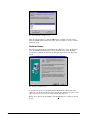
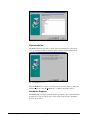
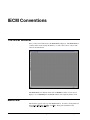
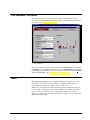
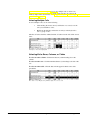
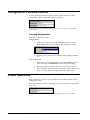
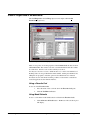
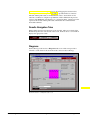
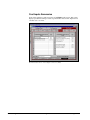
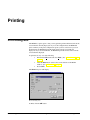
The Save Results dialog box.
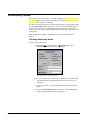
Saving a Session with a Different Name
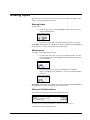
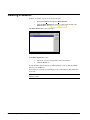
To save a session you are working on with a different name, pull down the File menu
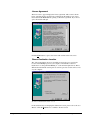
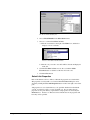
and select Save As…. The Save Session As dialog box will display.
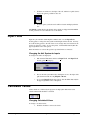
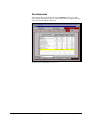
In the Save Session As dialog box,
1.
Type the name of the session in the box next to File name.
2.
Click the Save button.
Once you have saved a session with a different name, all subsequent Save
commands will save the session with the new name.
Closing a Session
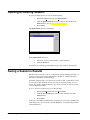
To close a session you are working on, do any one of the following:
•
Pull down the File menu and select Close Session.
•
Click the Close this session button on the toolbar on the left side of the
IECM window.
•
Click the Close button (x) in the upper right hand corner of the session
window.
•
Press Ctrl-F4.
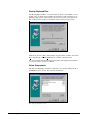
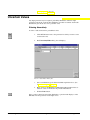
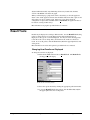
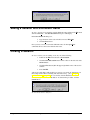
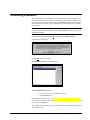
A dialog box will display which asks if you want to save results. It will inform you
that saving results is time-consuming and often unnecessary. (See “Saving a
Session’s Results” on page 62.) To save results, click the Yes button. To close
without saving results, click the No button. To abandon the procedure, click the
Cancel button.
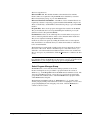
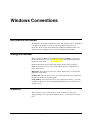
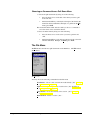
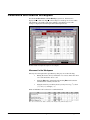
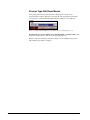
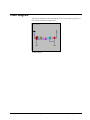
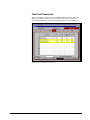
The Save Results at Close dialog box
Integrated Environmental Control Model: Getting Started
Working with Sessions • 63