1
The Visible Rules
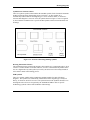
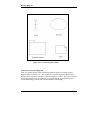
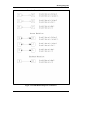
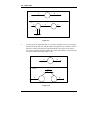
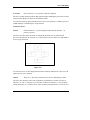
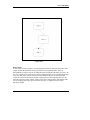
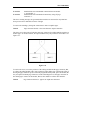
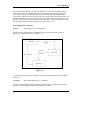
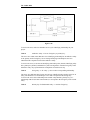
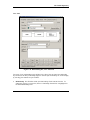
The above error message is the result of not connecting the indicated sequence event to an
entity or any events on an entity life history diagram. To resolve the error, draw a line
connecting the structure box to an entity or event using the Connect function.
ERROR
Selection event labeled ‘x’ is dangling.
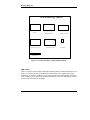
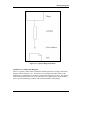
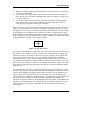
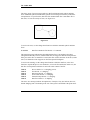
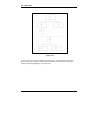
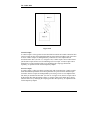
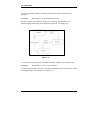
The above error message is the result of not connecting the indicated selection event box to an
entity or a structure box on an entity life history diagram. To resolve the error, draw a line
connecting the event to an entity or structure box using the Connect function.
ERROR
Iteration event labeled ‘x’ is dangling.
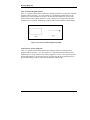
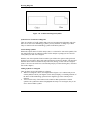
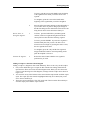
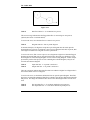
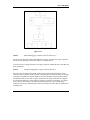
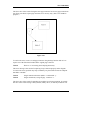
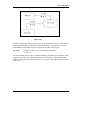
The above error message is the result of not connecting the indicated iteration event to an
entity or a structure box on an entity life history diagram. To resolve the error, draw a line
connecting the event to an entity or structure box using the Connect function.
ERROR
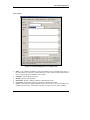
Operation labeled ‘x’ is dangling.
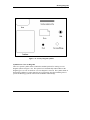
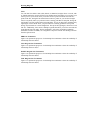
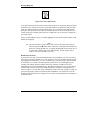
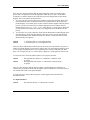
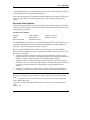
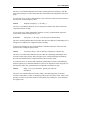
The above error message is the result of not connecting the indicated operation to an event on
an entity life history diagram. To resolve the error, draw a line connecting the operation to an
event using the connect function.
ERROR
Operation labeled ‘x’ cannot be connected to an entity.
The above error message is the result of connecting the indicated operation to an entity.
Operations can only be connected to events. To resolve the error, connect the operation to an
event using the Connect function, or remove the connection to the entity.
ERROR
There must be at least two event blocks defined on this diagram.
Event entity must have a creation event and a destruction event. In addition, there may be
other events that take place in between. This error indicates there are not at least two
connections from the defining entity to event symbols. To resolve the error, connect the
entity to at least two events using the Connect function.
ERROR
Event labeled ‘x’ must be of the same type as the other events at this level.
All symbols hanging from a single node must be of the same type, or be a structure box that is
used as a placeholder. To resolve the error, change the symbol type of the indicated event
using the Change Item function.
ERROR
Event labeled ‘x’ has more than one input connection.
223