1
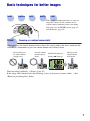
Basic techniques for better images
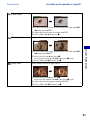
Focus
Exposure
Color
Quality
Flash
This section describes the basics so you can
enjoy the camera. It tells you how to use
various camera functions such as the mode
dial (page 23), the HOME screen (page 37)
and the menus (page 39).
Focus
Focusing on a subject successfully
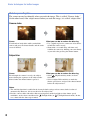
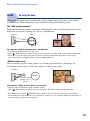
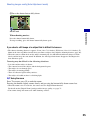
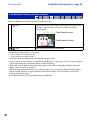
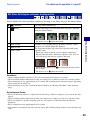
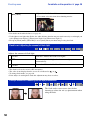
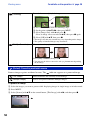
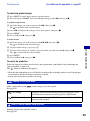
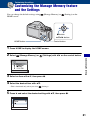
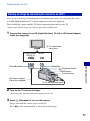
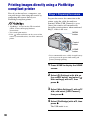
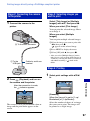
When you press the shutter button halfway down, the camera adjusts the focus automatically
(Auto Focus). Remember to press the shutter button only halfway down.
Do not fully press
the shutter button
straight away.
Press the shutter
button halfway
down.
AE/AF lock indicator
flashing , lit/beeps
Then press the
shutter button
fully down.
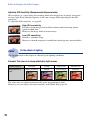
When focusing is difficult t [Focus] (page 47)
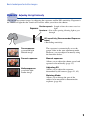
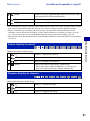
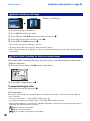
If the image looks blurred even after focusing, it may be because of camera shake. t See
“Hints for preventing blur” below.
7