1
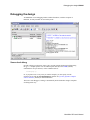
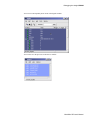
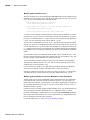
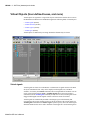
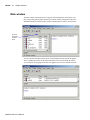
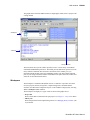
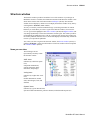
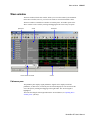
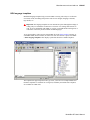
Main window UM-269
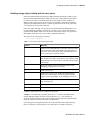
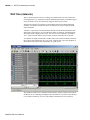
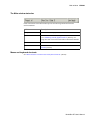
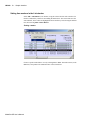
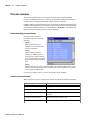
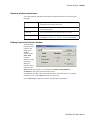
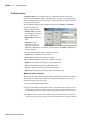
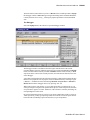
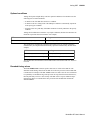
The Main window status bar
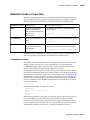
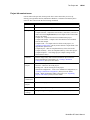
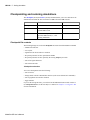
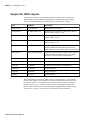
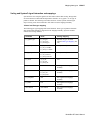
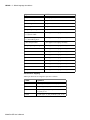
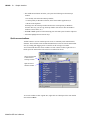
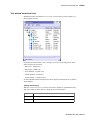
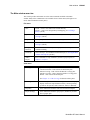
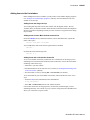
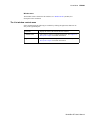
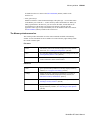
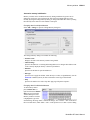
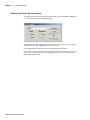
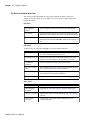
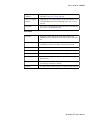
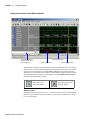
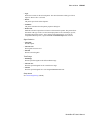
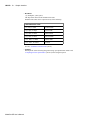
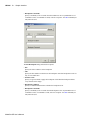
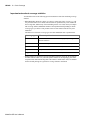
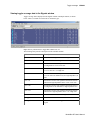
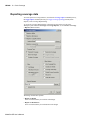
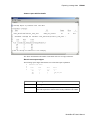
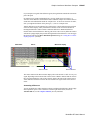
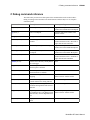
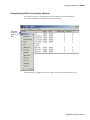
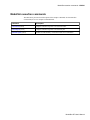
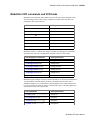
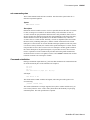
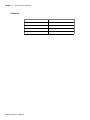
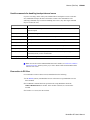
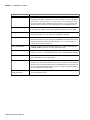
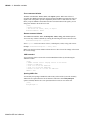
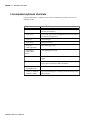
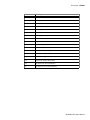
Fields at the bottom of the Main window provide the following information about the
current simulation:
Field
Description
Project
name of the current project
Now
the current simulation time, using the default resolution units
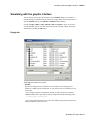
(see "Simulating with the graphic interface" (UM-377)), or a
larger time unit if one can be used without a fractional remainder
Delta
the current simulation iteration number
environment
name of the current context (item selected in the Structure
window (UM-331))
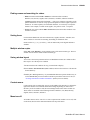
Mouse and keyboard shortcuts
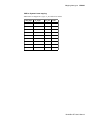
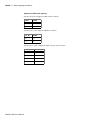
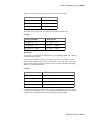
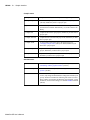
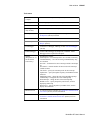
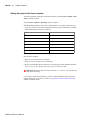
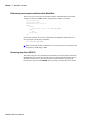
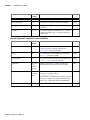
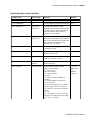
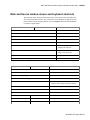
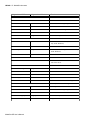
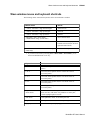
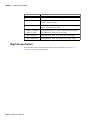
See "Main and Source window mouse and keyboard shortcuts" (UM-639).
ModelSim SE User’s Manual