1
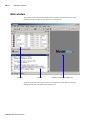
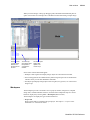
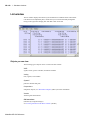
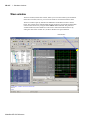
Main window
GR-26
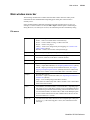
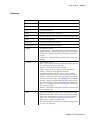
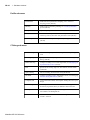
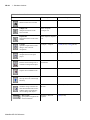
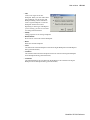
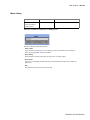
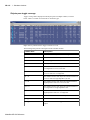
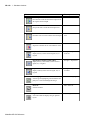
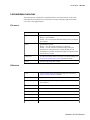
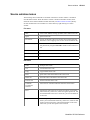
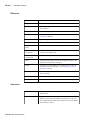
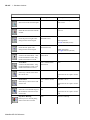
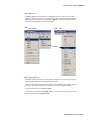
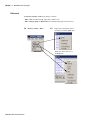
Edit menu
Undo
undo the last edit
Redo
redo the previously undone edit
Cut
cut the selected text
Copy
copy the selected text
Paste
paste the previously cut or copied text
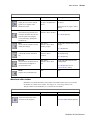
Delete
deletes an object from the active Wave window in the MDI frame
Clear
clear the Transcript pane
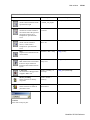
Select All
select all text in the active window
Unselect All
deselect all text in the active window
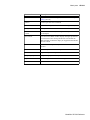
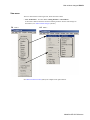
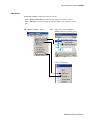
Expand
provides these options:
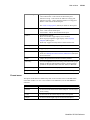
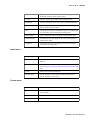
Expand Selected – expand the hierarchy of the selected instance
Collapse Selected – collapse the hierarchy of the selected instance
Expand All – expand the hierarchy of all instances in the active
window
Collapse All – collapse the hierarchy of all instances in the active
window
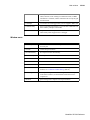
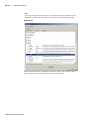
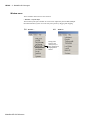
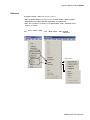
Advanced
provides these options:
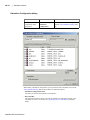
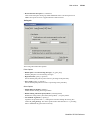
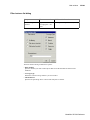
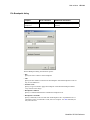
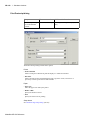
Force – force a value on the item selected in the Objects pane; see
"Force Selected Signal dialog" (GR-192)
Noforce – cancel a previous force command
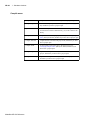
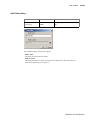
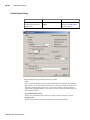
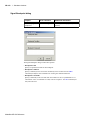
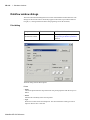
Clock – define a clock; see "Define Clock dialog" (GR-194)
Change – change the value of the selected object
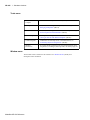
Comment/Uncomment Selected – add or remove comment
characters from the lines selected in the active Source window
Examine – display the current value of the object selected in the
active Source window; same as the examine (CR-164) command
Describe – display information about the object selected in the
active Source window; same as the describe command (CR-149)
Drivers – list the names of all drivers of the object selected in the
active Source window
Readers – list the names of all readers of the object selected in the
active Source window
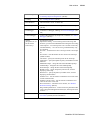
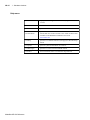
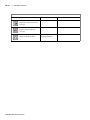
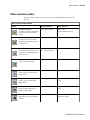
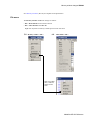
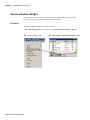
Wave
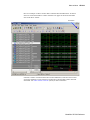
this menu is enabled only when a wave window is active in the
MDI frame of the Main window; most of the options on this menu
relate to Waveform Editor (see "Editing waveforms" (GR-290);
Edit Cursor – edit the name or time of the selected cursor
Delete Cursor – delete the selected cursor
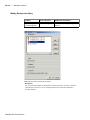
Wave Signal Search – search the wave window for a signal name
or value, or an expression
ModelSim SE GUI Reference