1
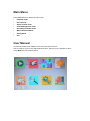
Date & Time Mode
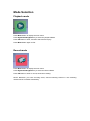
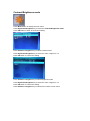
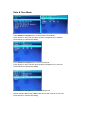
Press UP/Down navigation key to select Date & Time Mode
Press ok key to enter, and then press up/down navigation key to set date
Press Ok key to confirm the setting
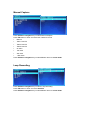
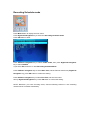
Press UP/Down navigation key to select Time Mode
Press ok key to enter, and then press up/down navigation key to set Time
Press Ok key to confirm the setting
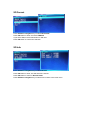
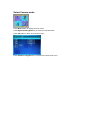
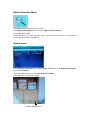
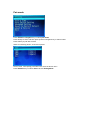
Press UP/Down navigation key to select Stamp mode
Default setting is ON, if select OFF; DATE & Time will not show on the LCD
Press Ok key to confirm the setting