1
EVS Broadcast Equipment SA
3.9.9.
Issue 12.05.A - May 2014
Push Settings
User Interface
The Push settings relate to the management of the Push function on the EVS server. The
Push function allows users to easily send a copy of a clip to another machine on the
network via the GbE network or the SDTI network.
These fields are available in the following interfaces:
•
•
in the Multicam Configuration window, Operation tab, in the basic display mode:
◦
on page 3 on the server-based application
◦
on page 1 on the web-based interface
in the Operational setup menu of the Remote Control Panel (7.1)
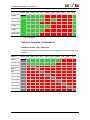
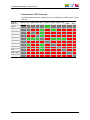
Warning
The values available in the Push settings depend on the presence of the SDTI
hardware or GbE hardware, and on the value of the Speed setting in the
Network tab.
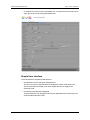
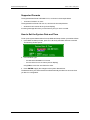
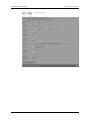
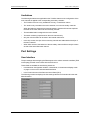
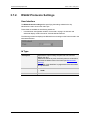
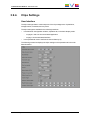
The following screenshot displays the Push settings on the Operation tab in the webbased interface:
256
3. Multicam Configuration