1
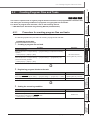
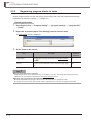
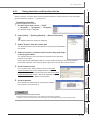
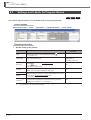
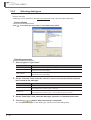
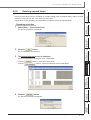
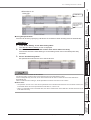
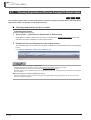
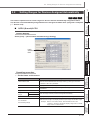
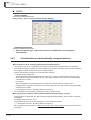
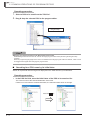
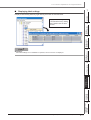
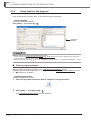
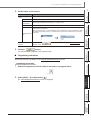
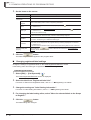
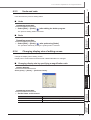
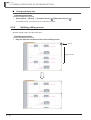
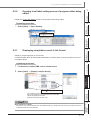
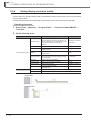
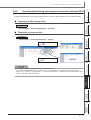
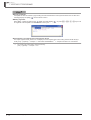
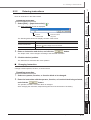
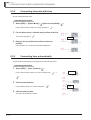
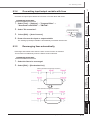
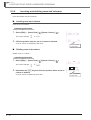
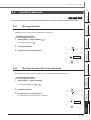
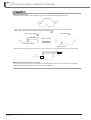
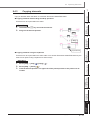
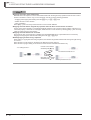
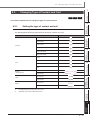
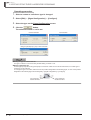
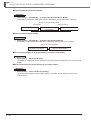
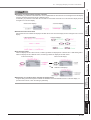
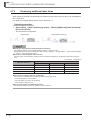
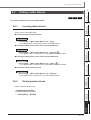
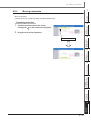
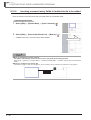
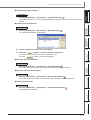
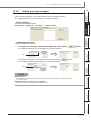
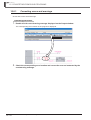
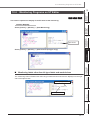
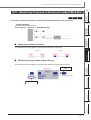
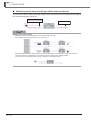
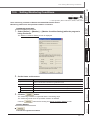
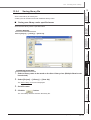
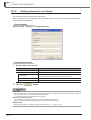
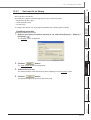
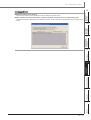
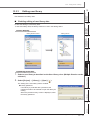
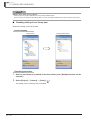
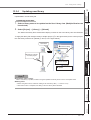
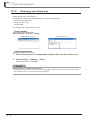
GX Works2 13 USING USER LIBRARIES 13.2.2 Changing library name Change the user library name. Operating procedure 1. Select a library name to be renamed on the User Library view. 2. Select [Project] [Library] [Rename]. The editing of the library name on the project tree is enabled. 3. Set the library name. Press the key to confirm the new library name. 13.2.3 Creating data Create data for the user library. ■ Adding data Add new data (programs, global labels, functions/function blocks, structures) to the user library. For details of adding new data, refer to the following manual. GX Works2 Version 1 Operating Manual (Common) ● Global labels • Labels defined in the global label setting on the User Library view can be used in the programs on the Project view. • Labels defined in the global label setting on the Project view can also be used in the programs on the User Library view. • The label names defined in the global label setting on the Project view and the User Library view cannot be overlapped. ● System labels Global labels on the Users Library view cannot be registered to the system label data base. ■ Editing data Edit data (programs, global labels/local labels, functions/function blocks, structures). For details of editing data, refer to Chapter 5 through Chapter 8. 13 - 4 13.2.2 Changing library name