1
TOP
Contents
Index
How to Use This Manual
How to Use This Manual
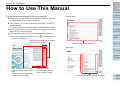
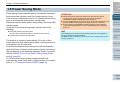
The following shows the tips for using this manual.
Introduction
Scanner
Overview
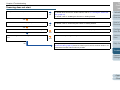
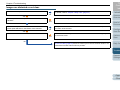
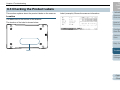
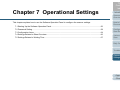
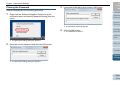
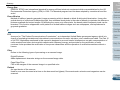
- Contents page
z To display or print this manual, either Adobe® Acrobat® (7.0 or later)
or Adobe® Reader® (7.0 or later) is required.
How to Scan
Documents
z In this manual, you can use the Search tool of Adobe® Acrobat® or
Adobe® Reader®.
For details, refer to the Adobe® Acrobat® or Adobe® Reader® Help.
Configuring the
Scan Settings
z Use the [Page Up] key to return to the previous page, and the [Page
Down] key to go to the next page.
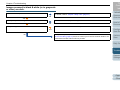
z Click a blue character string, tab or contents/index title (where the
mouse cursor changes into a shape such as
Various Ways to
Scan
) to jump to the link.
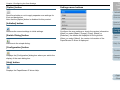
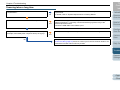
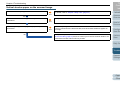
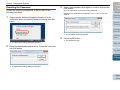
- Common for all pages
Jumps to the first page of each chapter.
This tab is on every page.
Click on a title to jump to the link.
Daily Care
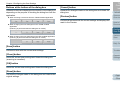
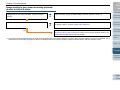
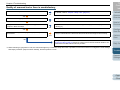
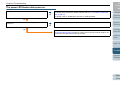
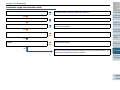
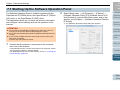
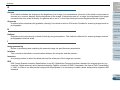
- Index page
Troubleshooting
Operational
Settings
TOP: Jumps to the cover page.
Contents: Jumps to the contents
page.
Index: Jumps to the index page.
This tab is on every page.
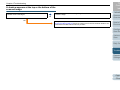
Jumps to this page.
Click on a blue character
string to jump to the link.
Click on a page number to jump to the link.
Appendix
Glossary
2