1
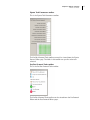
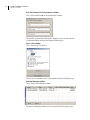
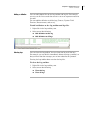
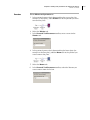
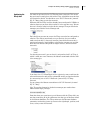
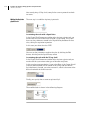
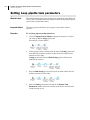
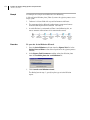
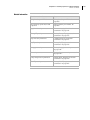
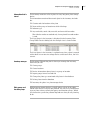
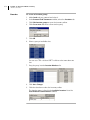
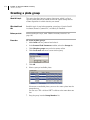
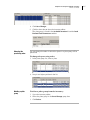
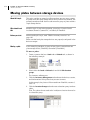
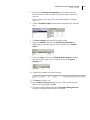
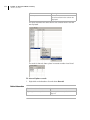
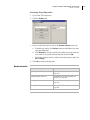
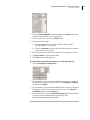
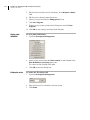
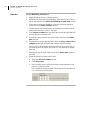
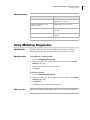
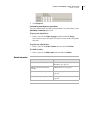
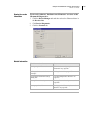
Chapter 8: Creating a protocol: basics VWorks User Guide Setting a breakpoint This procedure describes how to add a breakpoint to your protocol. You can add as many breakpoints as you want to a protocol. To set a breakpoint: 1. Right-click the task icon where you want the breakpoint. 2. Select Set breakpoint from the menu that appears. A red dot appears on the icon to indicate that it is a breakpoint. Removing breakpoints You can remove breakpoints individually or you can remove all breakpoints at once. To remove a breakpoint: 1. Right-click the task icon where there is breakpoint. 2. Select Remove breakpoint from the menu that appears. To remove all breakpoints in a protocol: 1. Do one of the following: Select Tools > Clear All Breakpoints. Right-click any task icon, and select Remove all breakpoints. Related information For information about... See... The workflow that this procedure belongs to “Workflow for creating a protocol” on page 163 What to do next “Disabling tasks” on page 178 Simulating a run “Simulating a run” on page 181 177