1
Editing Fonts
4.6.3.3
99
Glyph Selection
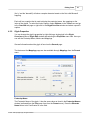
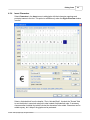
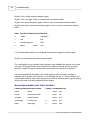
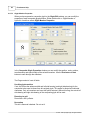
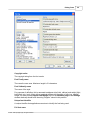
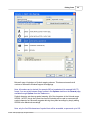
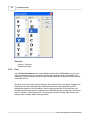
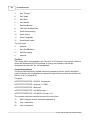
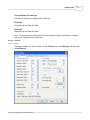
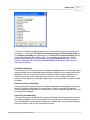
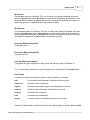
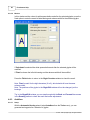
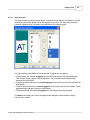
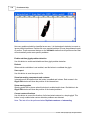
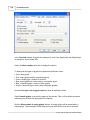
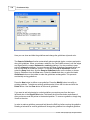
This step is used to manually select glyphs, used by the next steps in this wizard. In the left
hand panel you see the glyphs, which are present in your font. The right hand panel will
contain the glyphs, which you select for modification of the kerning pairs.
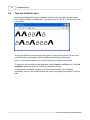
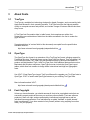
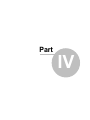
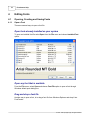
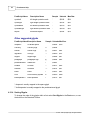
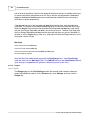
Use the buttons located between the two panels of glyphs to move glyphs:
· The top button will transfer all glyphs from the left hand panel to the right hand panel.
This is useful if many glyphs need modification. The unwanted can be selected and
returned to the left panel.
· The second button transfers only selected glyphs from the left panel to the right panel for
modification.
· The third button returns only selected glyphs from the right panel to the left panel. These
glyph bearings, perhaps, require no modification.
· The bottom button will transfer all glyphs from the right panel to the left panel.
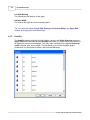
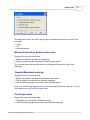
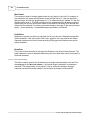
The Next button takes you to the next page where changes to the automatic kerning
settings can be made.
© 1997 - 2007 by High-Logic, all rights reserved.