1
18
Chapter 4
Monitoring Method 1: Through Web Browser
Control
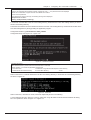
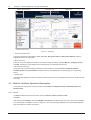
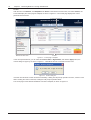
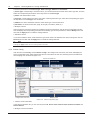
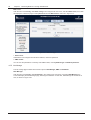
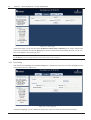
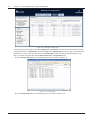
Click the main menu Monitor, click Adapt5K under Device in the Monitor tree view menu, and select Control, the
screen will display the control page of Adapt5K, as shown in Figure 4-6. The Control page displays the control
parameter list and events.
Control parameter list
Events
Monitor tree view menu
Figure 4-6
Control page of Adapt5K
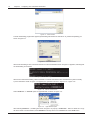
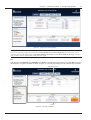
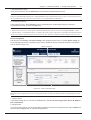
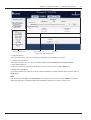
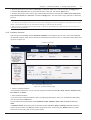
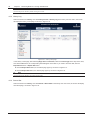
In the control parameter list, you can select the Control Value of Signal Name, and click the Apply button, the
confirm dialog box pops up, as shown in Figure 4-7. Click OK to send the command to the SIC card.
Figure 4-7
Confirm dialog box
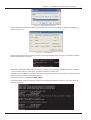
If the SIC card sends the control command successfully, a dialog box will prompt ‘Operation success’; if the SIC card
fails in sending the control command, a dialog box will prompt ‘Operation failed’.
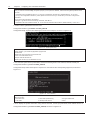
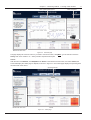
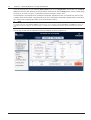
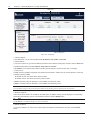
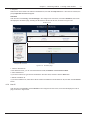
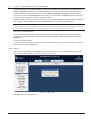
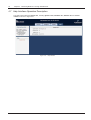
The control page of UPS-GXT3G is different from that of Adapt5K, as shown in Figure 4-8.
RDU-SIC Card
User Manual