1
file into a directory different from the installation directory, prior to running the
program.
Running the CDSS
Double clicking on the “water – tap” icon in the DSS_PIPE directory, initiates the CDSS.
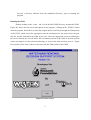
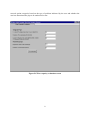
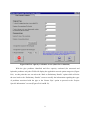
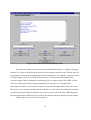
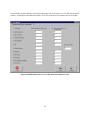
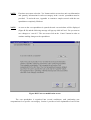
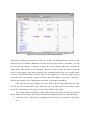
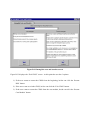
Figure B.1 shows the first screen that appears in the program. Clicking on the ‘START’ button
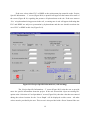
starts the program. When the user starts the program he/she will first go through the TSM portion
of the CDSS, which selects the appropriate renewal technologies for the project based on pipe
and site specific information provided by the user. Once the appropriate renewal technologies
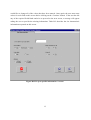
have been selected, the user can utilize the cost module portion of the CDSS to perform present
worth cost analysis of each selected technology to assist in the final selection process. Figure
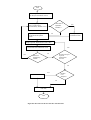
B.2 provides a flow chart of the user interface with the TSM portion of the CDSS.
Figure B.1 Start screen
2