1
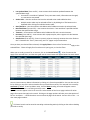
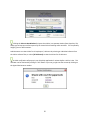
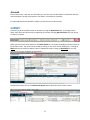
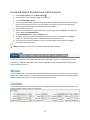
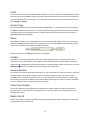
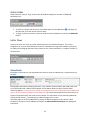
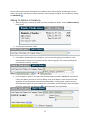
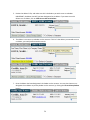
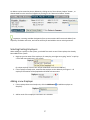
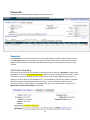
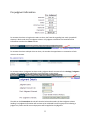
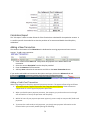
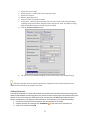
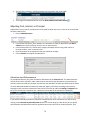
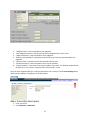
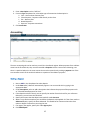
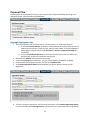
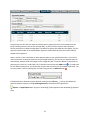
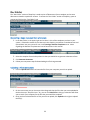
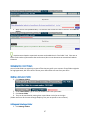
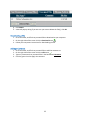
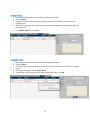
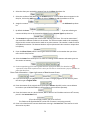
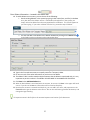
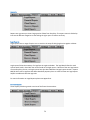
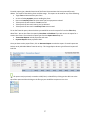
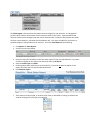
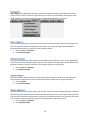
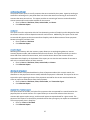
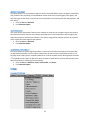
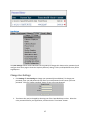
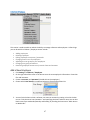
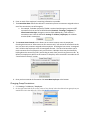
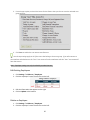
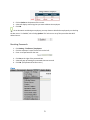
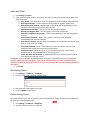
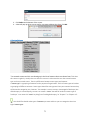
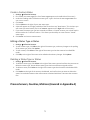
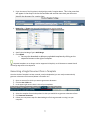
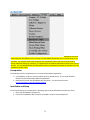
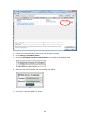
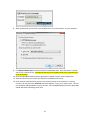
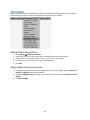
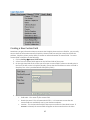
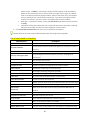
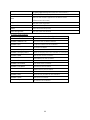
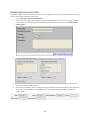
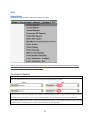
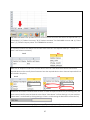
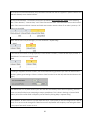
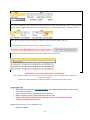
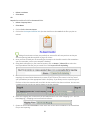
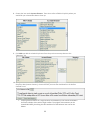
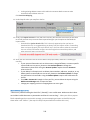
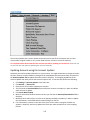
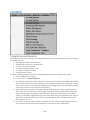
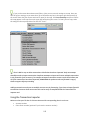
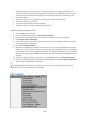
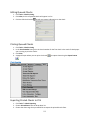
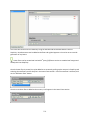
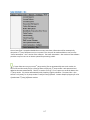
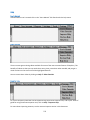
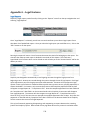
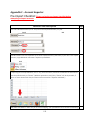
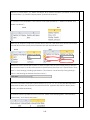
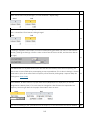
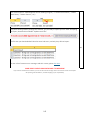
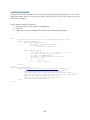
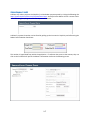
4. The line item is now gray, and the payment acts as though it was never made. 5. To re‐apply the voided transaction, click the Reset Voided Transaction button . Adjusting Cost, Interest, or Principal Adjustments to cost, interest, and principal can be made to adjust any error, or zero out an account that has been settled in full. 1. Click on Add Adjustment. 2. From the box that opens, select whether you would like to make an adjustment that adds or subtracts from either principal, interest, cost, or attorney fees. 3. From the drop down list, choose which category the adjustment is being made, either to Principal, Interest, Cost, or Attorney Fees . 4. Enter the amount of the adjustment that you would like to apply. 5. Click on Submit to complete the adjustment. Allocations and Disbursements As you add transactions, they enter the table at the bottom of the Financials tab. This table shows the amount of the cost or payment, and it shows how the transaction was allocated to cost posted to the account, interest accrued, the principal, and attorney fees awarded. The table also shows how the funds are to be disbursed between the Attorney, Advanced, Agency, and Client, according to the attorney contingency fees, and client commission rates that you have set up under the Settings / Judgment sub‐
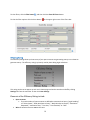
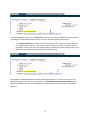
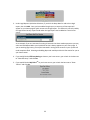
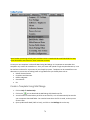
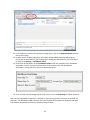
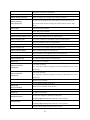
tab. At the end of each transaction line, a balance as of the date of the transaction is displayed. If you need to manually override the allocation or disbursement of the transaction, you can do so by clicking on the Override Payment Allocation button . This will bring up a box where you can specify what allocation and disbursement will be applied to the account and can be manually typed in. Click 36