1
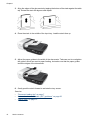
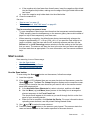
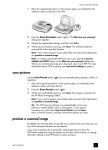
3. Finish the scan by clicking Finish in the HP Scanning preview window.
4. Wait for the scanning software to process the scanned document pages according to
the profile settings.
You can set up a scan shortcut that skips Steps 2 and 3 of the standard process. After
you select this shortcut, press the Scan button on the scanner front panel or click
Scan... in the HP Scanning shortcuts dialog box. The pages will be scanned and
processed without further intervention.
For a scan to complete automatically, the selected scan shortcut must have the Show a
preview scan cleared on the HP Scanning shortcuts dialog box.
Scan without reviewing
19