1
1) Backup IP CamSecure configuration
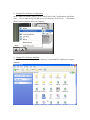
In IP CamSecure Main Console, go to Config, Save/Load Configuration, and select
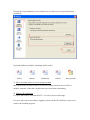
Save. Give a name to cfg file and save it to a directory for later use. Close down
Main Console program after you complete.
2) Backup IP CamSecure database
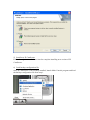
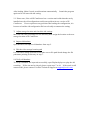
Use DBTools, which is located in the directory of installed IP CamSecure to export
database.