1
SIEMENS
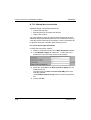
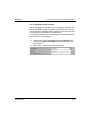
How do I work in the Calculation module?
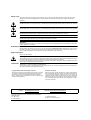
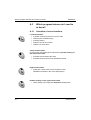
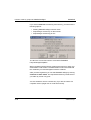
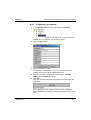
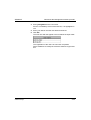
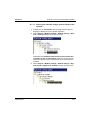
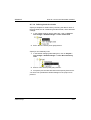
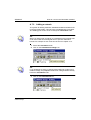
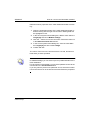
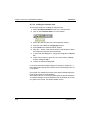
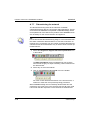
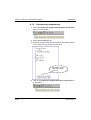
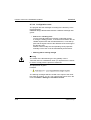
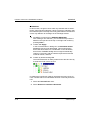
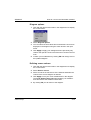
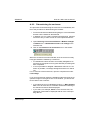
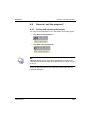
• Input note with a blue Info icon
Some circuits have not been dimensioned yet. You are adding
new circuits.
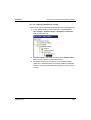
In the project tree the affected circuit is either yellow or grey.
This note requires you to supplement the minimally required information for the dimensioning.
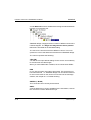
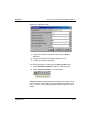
Example:
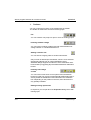
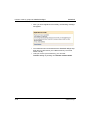
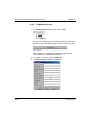
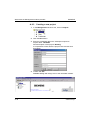
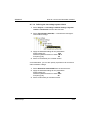
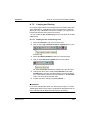
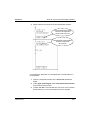
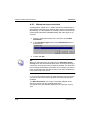
• Dimensioning error
The program is dimensioning the network.
This note appears when a conflict arises between the conditions and the marginal requirements or the stored database
during the dimensioning.
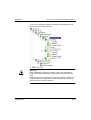
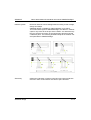
In the project tree, the signal control of the affected circuit turns
red.
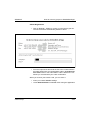
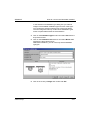
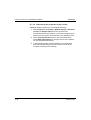
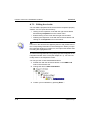
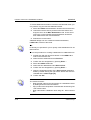
Solution: Modify the properties of the affected circuit according
to the instructions in the message.
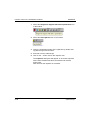
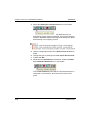
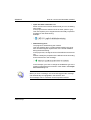
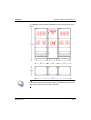
In this example, you have to change the installation type or the
maximum permissible cross-section of the cable in the Properties circuit dialog box.
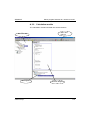
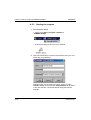
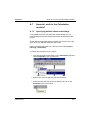
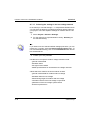
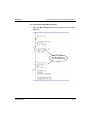
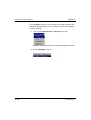
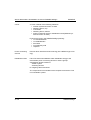
TIP
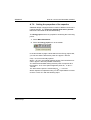
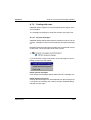
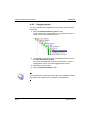
When you click a message, the circuit that triggered the message
will automatically be highlighted in the structure tree.
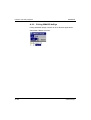
This message can be corrected via the Properties window.
SIMARIS deSign
A-65