1
1 INSTALLATION
1.1 Start Here
Run transaction ZDEX.
1.2 License
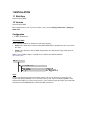
Run transaction ZDEX
Enter supplied license code. If you do not have a code, contact clive@sy-datum.com or frank@sydatum.com
Configuration
1.2.1 RFC Destinations
Transaction SM59
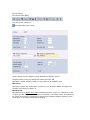
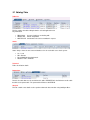
Create 2 RFC destinations on both Source and Target Systems.
•
Source is the driver client or client that data will be WRITTEN to. Requirements are sourced from
this client.
•
Target is the client where data is READ. Requirements are added to the Target client queue for
processing.
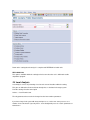
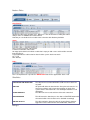
Define a User for DEX to login as and add the user details to the RFC destinations.
See details below
Users
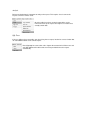
A user is required on both Source and Target systems. The user on the Source system does not
need to have dialog capabilities. The user on the Target system only needs dialog capabilities if the
Remote Queue will be used. If the remote queue is not used then log onto the target system manually
and run transaction ZDEXQUEUE to monitor the DEX work queues.