1
Part 3 - Getting Started
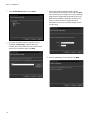
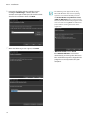
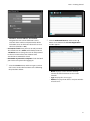
-- Site Name, Service Address, Service Port:
Designate the name of the federation service
and enter the IP address and port number of the
federation server to which the video wall service is
connected (default: 11001).
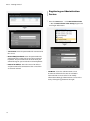
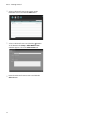
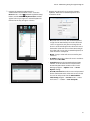
3 Click the Video Wall Service, and then the
button at the bottom. The Service Registration
window appears.
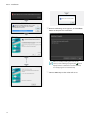
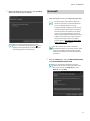
•• User ID, Password: Enter your user ID and password.
The default user ID is admin and default password is
12345678. You can change the user ID and password
in the User menu. Refer to IDIS Solution Suite
Standard User’s Manual for details.
1x
오늘
•• Remember my ID on this computer: Check the box if
you want to save your ID for logging on.
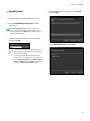
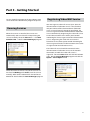
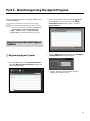
2 Select the Service menu, and then register a video
wall service on the administration service following
the procedures below.
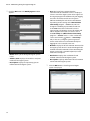
• Name: Displays services that are currently
connected to the federation service via the
network.
• Type: Displays the service type.
• Address: Display the IP address and port number
of each server.
21
달력