1
INSTALLATION
AND SETUP
Install ati on and Setup
Workspace
The Workspace is where setup information (eg com ports, vessel
dimensions) and options for Navmaster are stored. It is automatically
updated when you exit Navmaster.
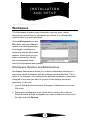
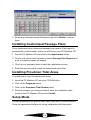
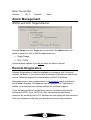
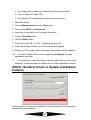
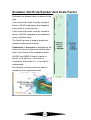
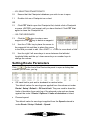
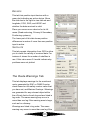
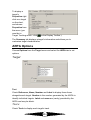
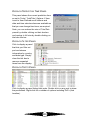
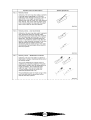
Choose Workspace from the
File menu and select Save to
update your Workspace after,
for example, installation or
when new settings have been
applied. At this point you can
enter a comment to identify
the circumstances under
which the Workspace was updated.
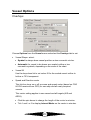
Workspace Restore and Maintenance.
Workspace Maintenance allows you to restore Navmaster settings to a
previously saved Workspace with the settings saved at that time. This is
useful if, for example, your settings have become corrupted or have been
changed in error and you want to go back to the settings previously
applicable. To do this:
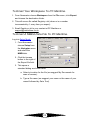
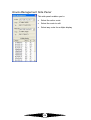
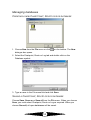
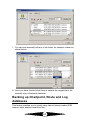
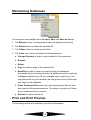
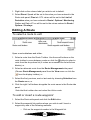
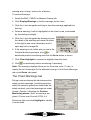
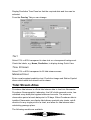
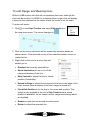
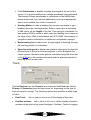
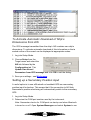
1. log into Setup Mode and choose Workspace \ Maintenance from the
File menu.
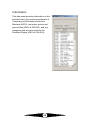
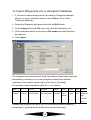
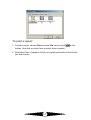
2. Dates when workspaces were saved will be outlined by a red box.
Select the date and the workspace you want to restore from the list to
the right and click Restore.
15