1
WizPLC CoDeSys User Guide
Wizcon Supervisor
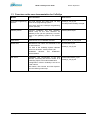
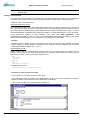
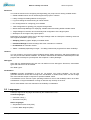
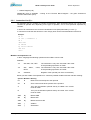
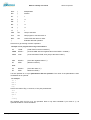
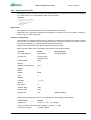
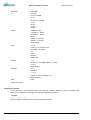
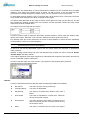
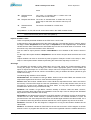
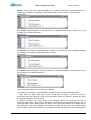
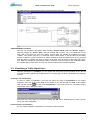
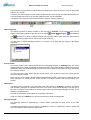
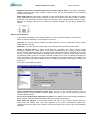
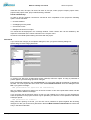
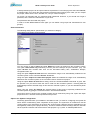
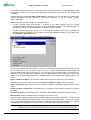
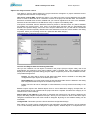
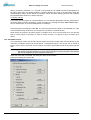
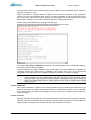
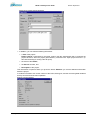
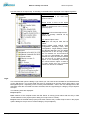
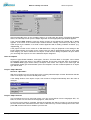
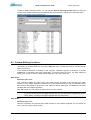
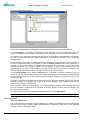
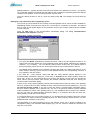
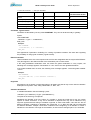
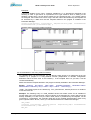
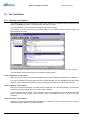
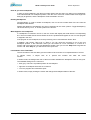
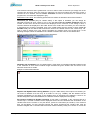
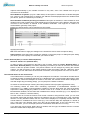
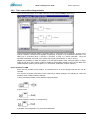
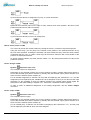
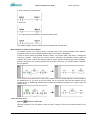
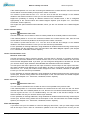
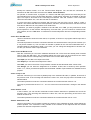
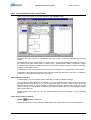
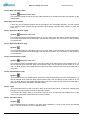
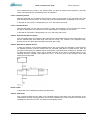
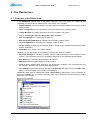
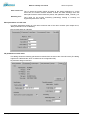
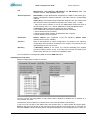
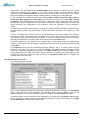
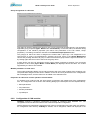
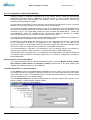
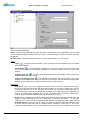
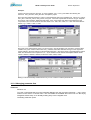
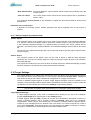
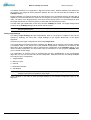
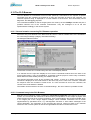
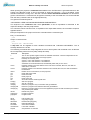
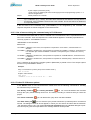
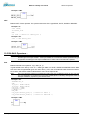
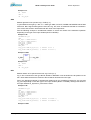
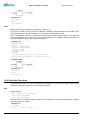
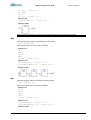
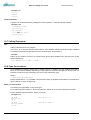
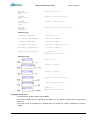
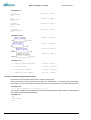
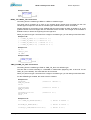
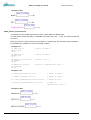
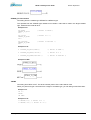
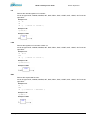
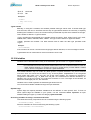
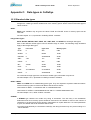
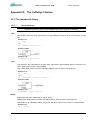
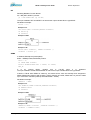
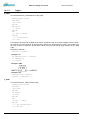
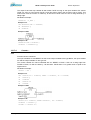
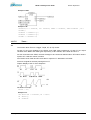
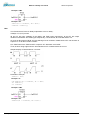
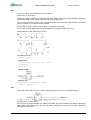
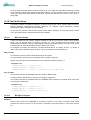
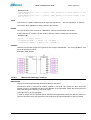
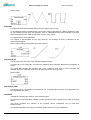
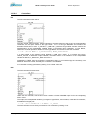
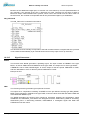
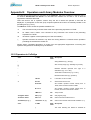
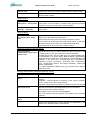
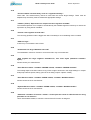
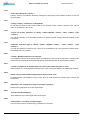
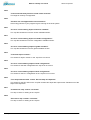
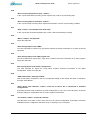
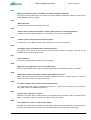
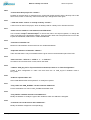
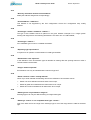
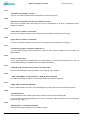
How the status of an object resp. its handling in the data base is displayed in the Object Organizer :
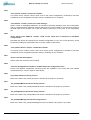
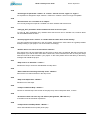
Grey shaded icon:
Object is stored in the data base
(source control)
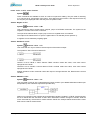
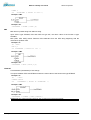
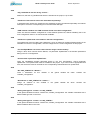
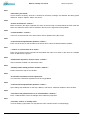
Green check in front of the object
name:
Object is checked out in the currently
opened project.
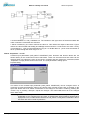
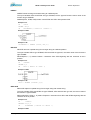
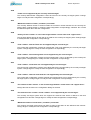
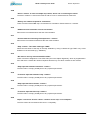
Red cross in front of the object name:
Object is currently checked out by
another user.
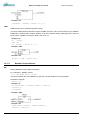
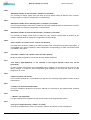
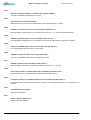
<R> behind object name:
The object can only be read, but not
edited.
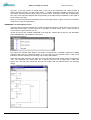
Please regard: some objects (Task
configuration, Sampling Trace, PLC
Configuration, Target Settings, Watchand Receipt Manager) are per default
assigned with a <R> as long as they
are not checked out. This means that
you will not automatically be asked
whether the object should be checked
out, as soon as you start to edit the
object; it not necessarily means that
you cannot edit the object. If there is
no write access then the command
'Check out' will not be available.
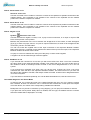
Login
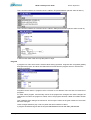
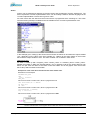
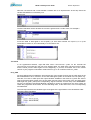
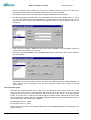
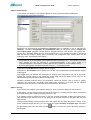
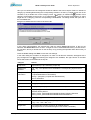
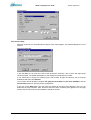
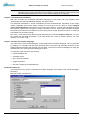
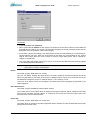
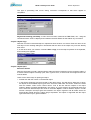
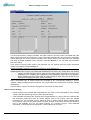
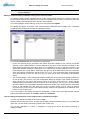
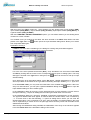
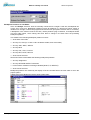
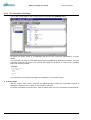
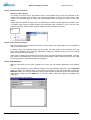
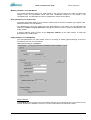
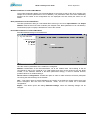
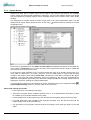
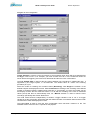
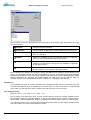
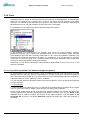
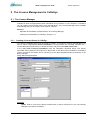
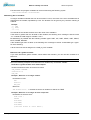
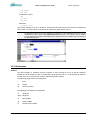
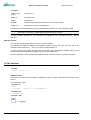
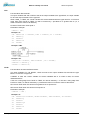
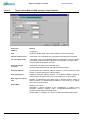
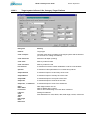
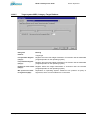
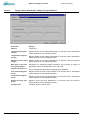
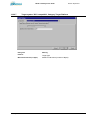
This command will open the dialog 'Login' where you can enter the access data for the ENI data base
via the ENI Server. The access data also have to be defined in the ENI Server (ENI Admin, User
Management) and – depending on the currently used data base – also in the user management of the
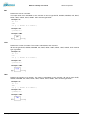
data base. After the command has been executed, first the Login dialog for category 'Project objects'
will open.
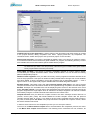
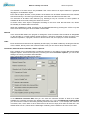
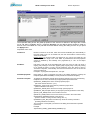
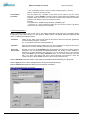
The following items are displayed:
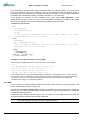
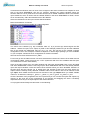
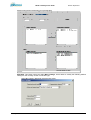
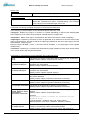
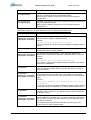
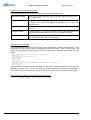
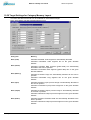
Project objects:
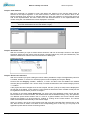
Host: address of the computer where the ENI Server is running (must match with the entry in field
'TCP/IP address' in the project options dialog for 'Project source control').
Project: Name of the data base project (must match with the entry in field 'Project name' in the project
options dialog for 'Project source control'/category 'Project Objects').
CoDeSys V2.3
4-42