1
94
Program's interface
2.8.1.1
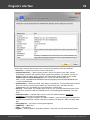
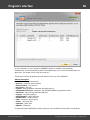
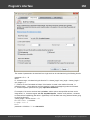
General options
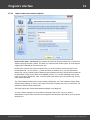
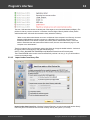
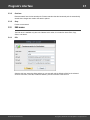
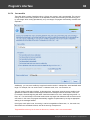
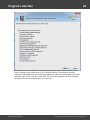
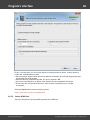
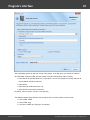
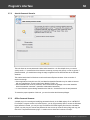
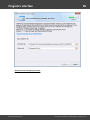
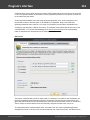
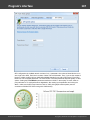
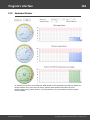
Attack progress
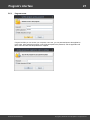
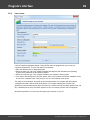
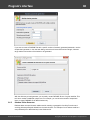
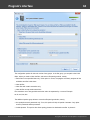
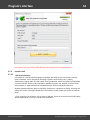
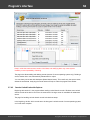
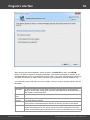
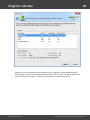
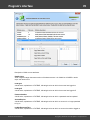
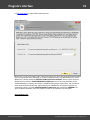
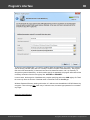
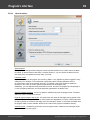
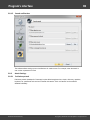
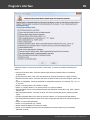
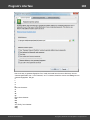
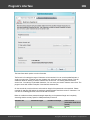
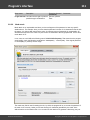
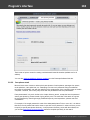
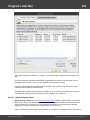
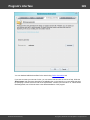
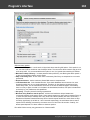
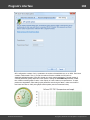
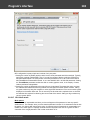
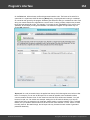
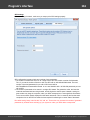
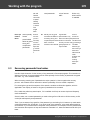
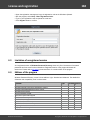
The first group of settings allows setting the save and update intervals for the current state of an attack.
By default, an attack saves its state every 5 minutes (further on, you can resume the attack from the
last saved point) and updates the screen every 3 seconds.
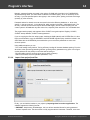
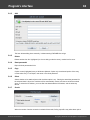
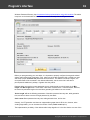
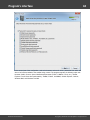
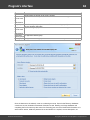
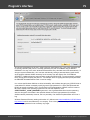
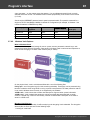
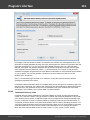
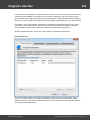
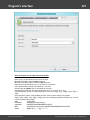
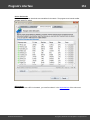
Password Cache
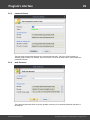
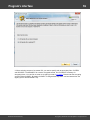
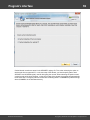
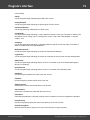
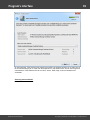
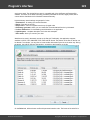
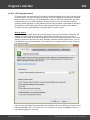
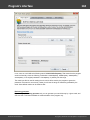
All passwords found by the program are cached by default. A very helpful thing that is engaged in many
subsystems. For example, in the intellectual or preliminary attack. Deleting password cache is
recommended in cases of the extreme need only. For example, when their number exceeded ten
thousand. In this case, the search speed for some attacks can drop significantly.
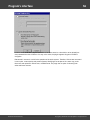
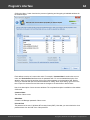
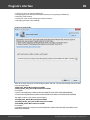
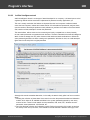
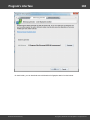
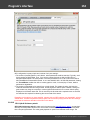
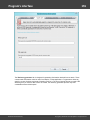
Additionally, you can duplicate found passwords to text file. So even if the program fail unexpectedly or
in case of sudden power failure, the found passwords guaranteed to be written to file.
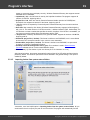
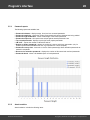
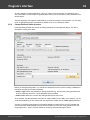
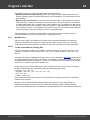
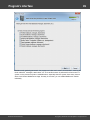
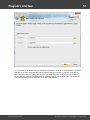
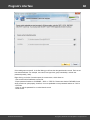
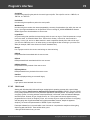
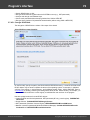
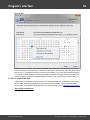
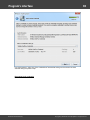
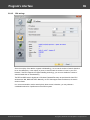
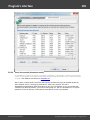
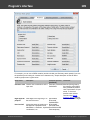
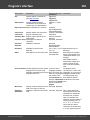
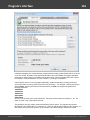
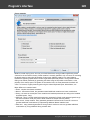
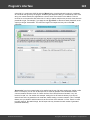
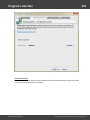
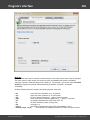
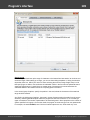
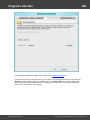
Check for updates at startup - check if an update is available every time the program starts. The option
works only if PC is connected to internet.
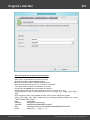
Duplicate log messages to wpr.log file - this option when set, writes all messages the log window holds
to WPR.LOG file. Setting this option may cause performance degradation on big list of hashes because
the wpr.log flushes its content to disk every time new message is arrived. It can however be helpful when
the program stalls or works unstable. WPR.LOG is located in the program's installation directory.
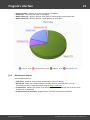
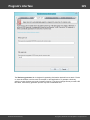
Overwrite log file - overwrite the log file every time the program starts. Otherwise new messages will be
appended to the end of the log file.
Windows Password Recovery
Copyright (c) 2010-2015 Passcape Software. All rights reserved.