1
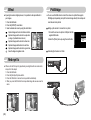
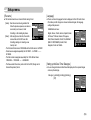
Metering
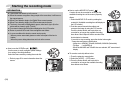
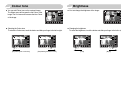
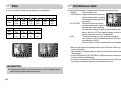
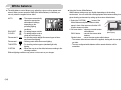
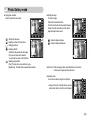
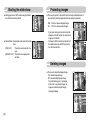
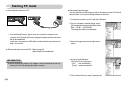
■ If you cannot obtain suitable exposure conditions, you can change the metering
method to take brighter pictures.
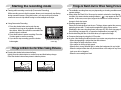
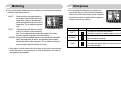
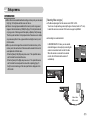
- MULTI
: Exposure will be calculated based on
an average of the available light in the
MULTI
image area. However, the calculation
SPOT
will be biased towards the centre of the
CENTER
7
image area. This is suitable for general
use.
[PROGRAM mode]
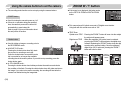
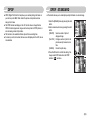
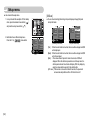
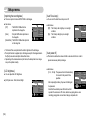
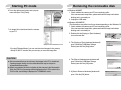
- SPOT : Only the rectangular area in the centre
of the LCD monitor will be metered for
light. This is suitable when you want the subject in the centre
correctly exposed, regardless of the back lighting.
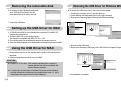
- CENTER : Exposure will be calculated based on an average of the available
light in the image area. However, the calculation will be biased
towards the centre of the image area. This is suitable for taking a
picture of small object like a flower or insects.
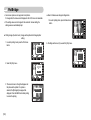
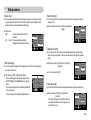
Sharpness
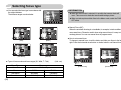
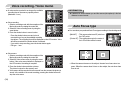
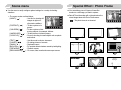
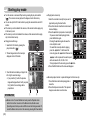
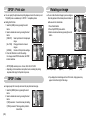
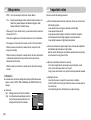
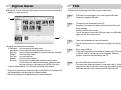
■ You can adjust the sharpness of the picture you
want to take. But you cannot check the sharpness
effect on the LCD monitor before you take a picture,
because this function is applied after the captured
image is stored on the memory.
SOFT
NORMAL
VIVID
7
[PROGRAM mode]
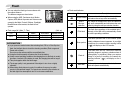
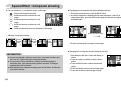
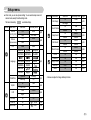
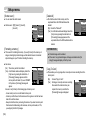
Sub menu
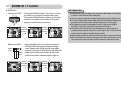
SOFT
NORMAL
VIVID
Icon
Description
The edges of the image are softened.
This effect is suitable for editing images on your PC.
The edges of the image are sharp.
This is suitable for printing.
The edges of the image are emphasized.
The edges will appear sharp, but noise may occur in
the recorded image.
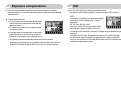
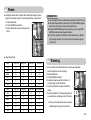
※ If the subject is not the centre of the focus area, do not use the spot metering
as this may result in an exposure error. In such circumstances, it is better to
use exposure compensation.
《29》