1
Chapter 7
Designing with Lattice Devices
The Lattice ispLEVER Environment
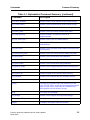
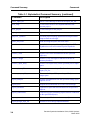
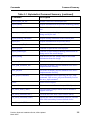
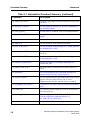
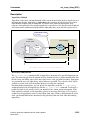
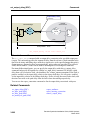
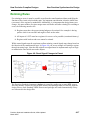
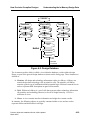
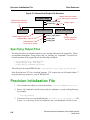
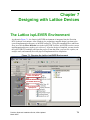
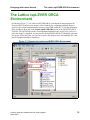
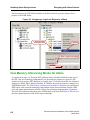
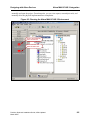
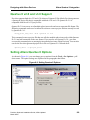
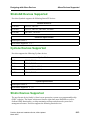
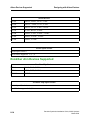
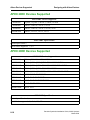
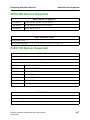
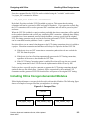
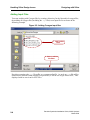
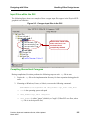
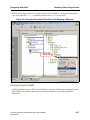
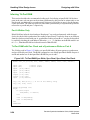
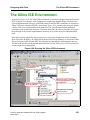
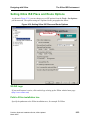
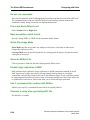
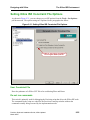
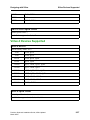
As shown in Figure 7-1, the Lattice ispLEVER environment is integrated into the Precision
RTL Synthesis environment. After Synthesis, the technology-mapped design is written to the
current implementation directory as an EDIF netlist file. To run the automated Place and Route
flow, just click the Place & Route icon in the ispLEVER Tool Bar. ispLEVER uses the current
implementation directory as the project directory. After the design is compiled, you may invoke
the ispLEVER GUI manually and open the project. From that point, you can view reports, run
analysis tools, and manually drive the physical implementation to completion.
Figure 7-1. Running the Lattice ispLEVER Environment
Click to automatically
Place and Route
Click to launch the
ispLEVER Software
Click to launch the
ispExplorer
Precision Synthesis Installation Guide, 2003c Update1
March 2004
7-1