1
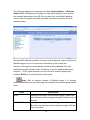
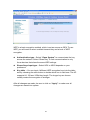
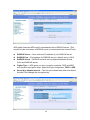
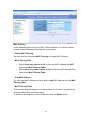
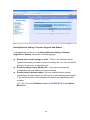
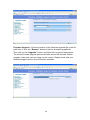
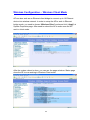
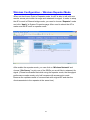
After click on the “Site Survey” button, you can choose the Access Point you
need to extend its range by clicking on “BSSID” column. Then “Apply” the
change to make sure system working properly with new setting.
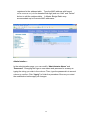
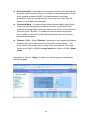
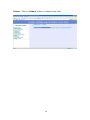
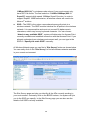
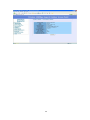
After all the changes are made, you can check the “Connect Status” page to
check current SSID and link quality / signal strength. Some more information
are all available at this page.
42