1
Voice Annunciator
12
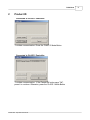
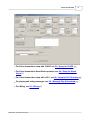
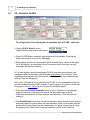
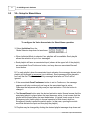
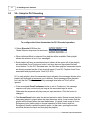
3. Playlists may be changed by clicking the desired playlist message drop-down and
choosing from the available messages:
Note: Messages ending in "ESP" are in Spanish.
4. Playlists may be played by clicking the associated button, such as
.
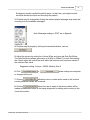
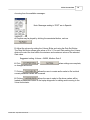
5. Adjust the volume by setting the Volume Slider and using the Gain Set Button.
The Gain Set Button allows gain values of 0 to 3. For each Gain setting, the Volume
slider will control the level within the minimum and maximum values of the selected
Gain value.
Suggested setting: Volume = 24000, Medium Gain 2
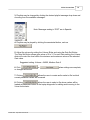
6. Click
or changes will be lost.
or
when settings are complete,
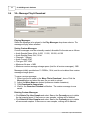
7. Clicking
allows the user to create and/or select a file in which
current parameter values will be saved.
8. Clicking
allows the user to select a file whose values will be
loaded as parameter values in the laptop diagnostic for editing and/or saving to the
Voice Annunciator.
© 2003-2007 Vapor Bus International