1
7
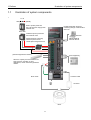
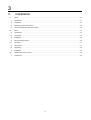
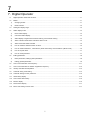
7. Digital Operator
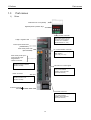
7.1
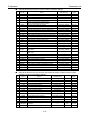
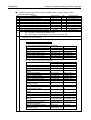
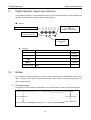
Digital Operator names and functions ·················································································································· 7-1
7.2
Modes ·································································································································································· 7-1
1)
Changing modes ·············································································································································· 7-1
2)
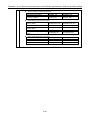
Mode contents ·················································································································································· 7-2
7.3
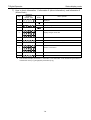
Setting and display range····································································································································· 7-3
7.4
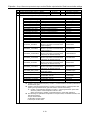
Status display mode ············································································································································· 7-4
1)
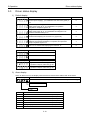
Driver status display ········································································································································· 7-4
2)
Over-travel status display ································································································································· 7-4
3)
Status display of regenerative overload warning, and overload warning ·························································· 7-4
4)
Alarm code and driver status code when alarm occurs ···················································································· 7-4
5)
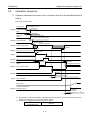
Alarm reset when alarm activated ···················································································································· 7-5
6)
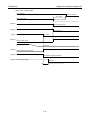
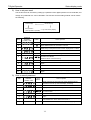
How to check the software version of driver ····································································································· 7-5
7)
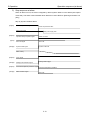
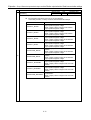
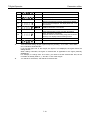
How to check Information 1, Information 2 (driver information), and Information 3 (Motor Code) ···················· 7-6
8)
How to set pass ward ······································································································································· 7-7
9)
How to cancel password ··································································································································· 7-7
7.5
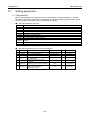
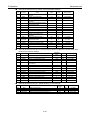
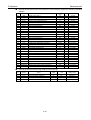
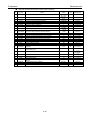
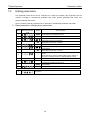
Editing parameters ··············································································································································· 7-8
1)
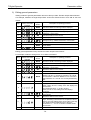
Basic parameters, editing system parameters ·································································································· 7-8
2)
Editing general parameters ······························································································································ 7-9
7.6
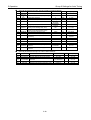
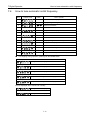
How to tune automatic notch frequency ············································································································· 7-11
7.7
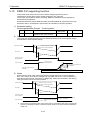
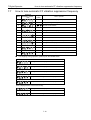
How to tune automatic FF vibration suppression frequency··············································································· 7-12
7.8
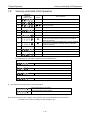
Velocity-controlled JOG Operation ····················································································································· 7-13
7.9
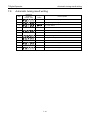
Automatic tuning result writing ··························································································································· 7-14
7.10
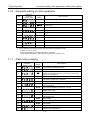
Automatic setting of motor parameter ················································································································ 7-15
7.11
Alarm history display ·········································································································································· 7-15
7.12
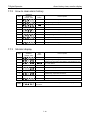
How to clear alarm history·································································································································· 7-16
7.13
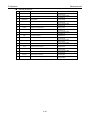
Monitor display ··················································································································································· 7-16
7.14
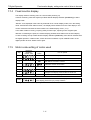
Fixed monitor display ········································································································································· 7-17
7.15
Motor code-setting of motor used ······················································································································ 7-17
7