1
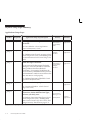
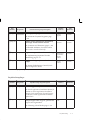
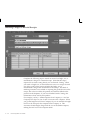
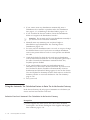
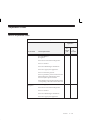
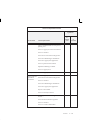
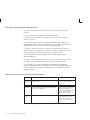
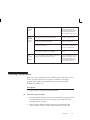
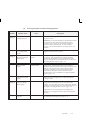
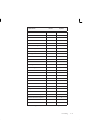
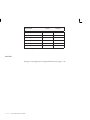
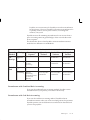
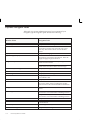
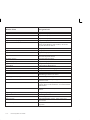
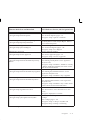
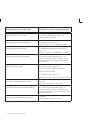
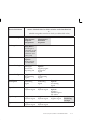
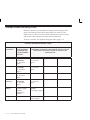
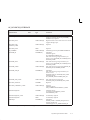
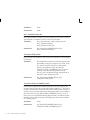
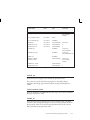
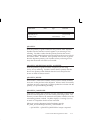
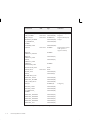
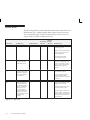
Character Mode Form and Menu Path
GUI Window or Process, and Navigation Path
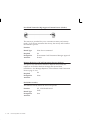
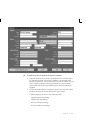
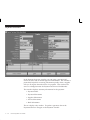
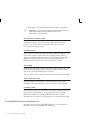
Enter QuickInvoices
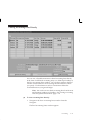
Invoices window
\ Navigate Invoices Quick
See: Entering Invoices: page 4 – 2
Navigator: Invoices > Entry > Invoices
Enter Rate Exceptions
Obsolete in GUI
(Zoom only)
Enter Standard Notes
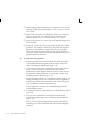
You can customize standard notices.
\ Navigate Setup Invoices Notes
See: Invoice Notices: page 4 – 332
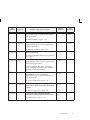
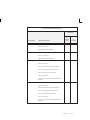
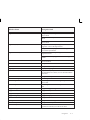
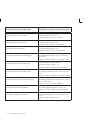
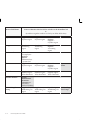
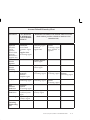
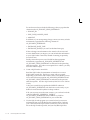
From the Invoices window, choose the Actions
button. Select Print.
or
You can write your own notes outside of Payables
then attach the text, spreadsheet, or image files to
invoices.
See: Attachments in Payables
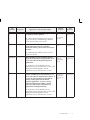
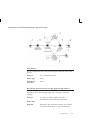
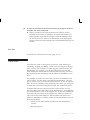
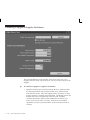
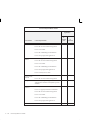
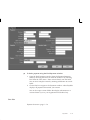
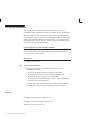
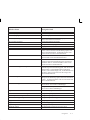
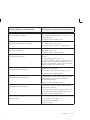
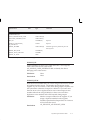
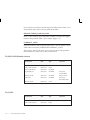
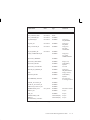
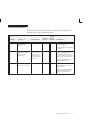
Enter Vendor
Suppliers window
\ Navigate Vendors Entry
See: Suppliers: page 8 – 32
Navigator: Suppliers > Entry
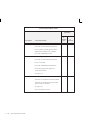
Enter/Adjust Manual Payment
Payments window
\ Navigate Controls Payment AdjustPayment
See: Updating Payments: page 5 – 78
Navigator: Payments > Entry > Payments
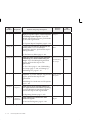
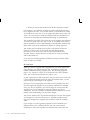
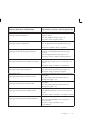
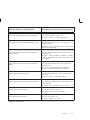
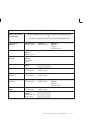
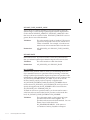
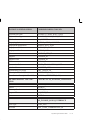
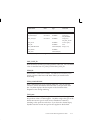
Fix Payment Distributions
Accounting has changed in Payables
\ Navigate Controls Payment FixDistributions
See: Accounting in Payables: page 7 – 2
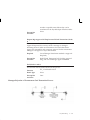
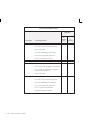
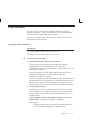
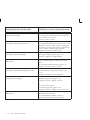
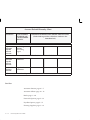
Format Payments
Payment Batch Actions window
\ Navigate Payments Automatic Format
See: Formatting Payments: page 5 – 30
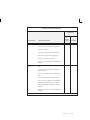
Navigator: Payments > Entry > Payment Batches.
Select the payment batch and choose Actions. Select
Format payments, and choose OK.
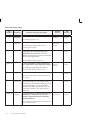
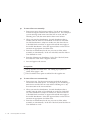
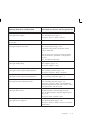
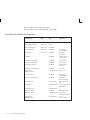
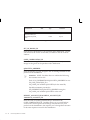
General Ledger Interface
\ Navigate Tasks GLPost
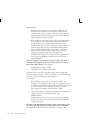
From the Submit Request window, submit the
Payables Transfer to General Ledger Program.
See: Payables Transfer to General Ledger Program:
page 7 – 34
Navigator: Other > Requests > Run
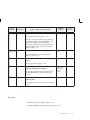
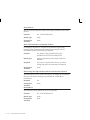
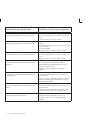
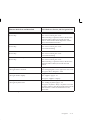
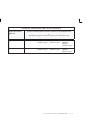
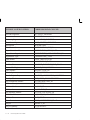
Invoice Approval
Invoice Holds window
\ Navigate Invoices Approval
See: Releasing Holds: page 4 – 140
Navigator: Invoices > Enter > Invoices. Choose the
Holds button.
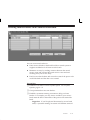
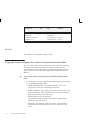
Table 10 – 1 (Page 9 of 14)
Navigation
A – 17