1
- 10 -
Common Functions and Behaviour
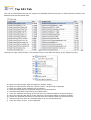
All of the charts and tables have extra functionality that can be accessed via a popup menu, press the
right mouse button over a table, chart, tree or list to access the menu.
Charts
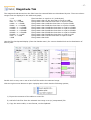
The following controls behave in the same way throughout all of Xinorbis’ tabs.
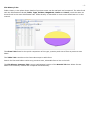
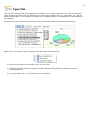
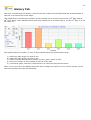
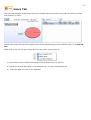
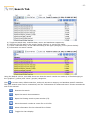
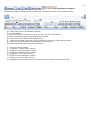
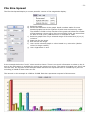
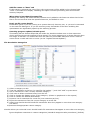
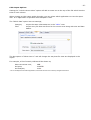
For each tab that contains a graph you’ll find the following set of controls;
1)
2)
3)
4)
5)
Set the chart to Pie.
Set the chart to Bar.
Show by size of files
Show by number
Toggle the graph’s legend.
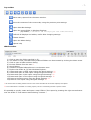
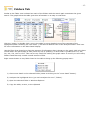
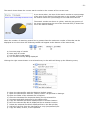
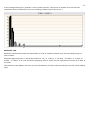
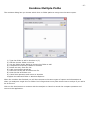
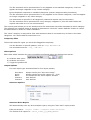
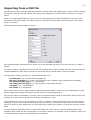
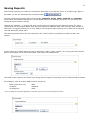
Pressing the right mouse button over any chart will open up the following popup menu;
1)
2)
3)
4)
Save the chart as a bitmap image (.bmp).
Copy the chart as a bitmap to the clipboard.
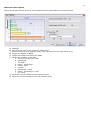
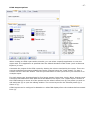
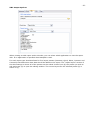
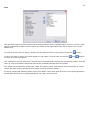
Open the Advanced chart options dialog (below).
Print a copy of the selected chart.