1
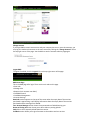
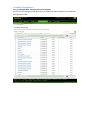
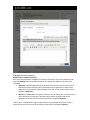
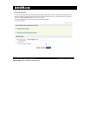
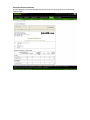
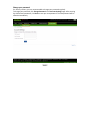
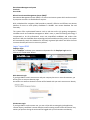
RMS Home Page
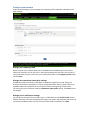
Main tabs on the home page:
• Post Jobs- If your company has purchased at least one job posting package from JobsDB, you
will be able to post jobs on the JobsDB website anytime you want.
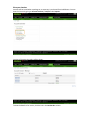
• Manage Jobs- You can manage anything related to the existing job ad and also post new job
ads.
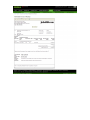
• Reports (main account user ONLY)- In this section you can check all kinds of account
information and the usage history.
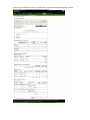
• Candidate Search- You can perform candidate search on simple or advance mode, setting up
candidate alerts and finding the bookmarked candidates.
• Candidate Management- Manage candidates and resume requests.
• Account Settings- You can change company information, email template and the password
here.